
Spreadsheet vs. App: Choosing a Budgeting Tool That You'll Actually Use
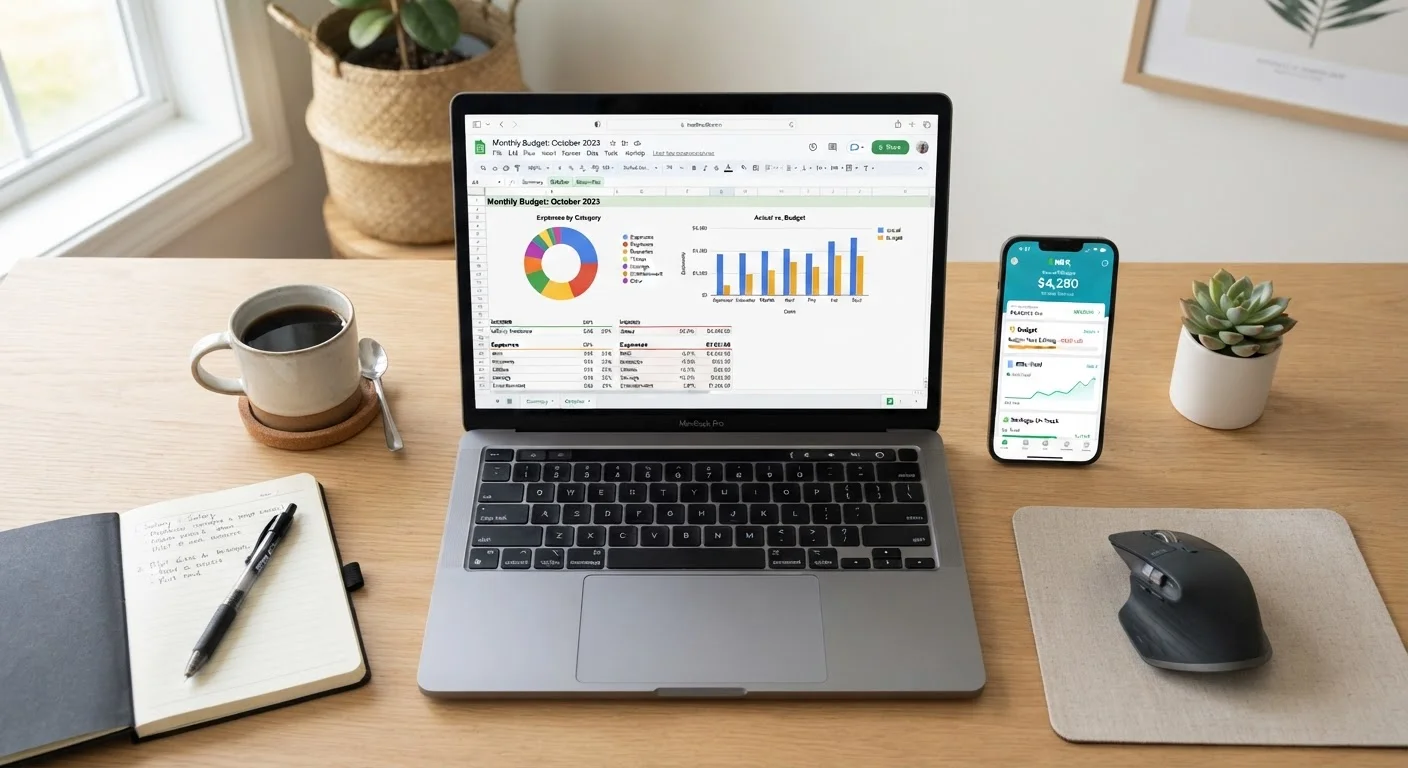
Photo credit: TurboBlogs.net | Explore Blogs At Turbo Speed
In this article
A practical look at tracking your budget manually versus using a dedicated app—covering effort, accuracy, privacy, and long-term stickiness.
Key Takeaways
- Spreadsheets offer maximum flexibility and privacy but require consistent manual effort to maintain.
- Budgeting apps automate data entry and provide real-time alerts, but often require account access and subscription fees.
- The most effective budgeting tool is whichever one you'll actually use consistently every month.
- Privacy-conscious users or those with irregular income often find spreadsheets more adaptable.
- App users tend to benefit most when they want automation and don't mind linking financial accounts.
Why the Right Tool Matters More Than the Perfect System
Most budgeting advice focuses on which method to use - zero-based, 50/30/20, envelope budgeting. Far less attention goes to the tools that make those methods stick. But a beautifully designed budget framework abandoned after two weeks helps no one.
The two most common tool categories are manual spreadsheets (built in Google Sheets or Microsoft Excel) and dedicated budgeting apps. Each has a distinct design philosophy, and neither is objectively better. The question is which one fits your habits, comfort with technology, and privacy preferences. If you're starting from zero, see our step-by-step guide to building your first monthly budget before deciding on a tool.
| Spreadsheet | Budgeting App | |
|---|---|---|
| Setup effort | High - build from scratch | Low - guided onboarding |
| Ongoing data entry | Manual, every transaction | Automated via account sync |
| Customization | Unlimited flexibility | Limited to app's structure |
| Privacy | High - no account linking needed | Lower - third-party data access |
| Cost | Free (Google Sheets) or low cost | Often $5-$15/month subscription |
| Real-time alerts | None built in | Push notifications available |
| Best for irregular income | Excellent - fully adaptable | Moderate - may misfile income |
| Learning curve | Steeper for formula-building | Shallow - visual and guided |
Spreadsheets: Full Control, Manual Commitment
A spreadsheet is essentially a blank canvas. You decide the categories, formulas, visual layout, and how granular the tracking gets. That flexibility is genuinely powerful - you can track irregular freelance income, model different savings scenarios, or build a debt payoff tracker in the same file as your monthly budget.
The tradeoff is effort. Every transaction must be entered manually, either as it happens or in weekly batches. Research consistently shows that the act of manual entry can increase financial awareness - you feel each dollar more concretely - but it also creates friction. Miss a week, and the backlog becomes discouraging.
Make Manual Entry a Weekly Ritual
Spreadsheet users who schedule a fixed 15-minute weekly session to log transactions report far higher consistency than those who try to enter expenses daily on the fly. Pick a recurring time - Sunday evenings or Monday mornings work well - and treat it like a standing appointment. Pairing this routine with a cup of coffee or a podcast can reduce the friction considerably.
Spreadsheets also score well on privacy. Your data lives in a file you control, with no third-party server access required. For anyone uncomfortable linking bank accounts to external services, this matters significantly.
Spreadsheets work best for: self-motivated individuals, people with variable or freelance income, privacy-conscious users, and anyone who wants to learn budgeting mechanics deeply before automating anything.
Budgeting Apps: Automation With Trade-offs
Dedicated budgeting apps connect directly to your bank and credit card accounts, pulling transactions automatically and categorizing spending in real time. For people whose biggest obstacle is forgetting to track, this automation is a genuine game-changer.
Apps typically offer dashboards, spending trend charts, and push notifications when you're approaching a category limit. These features lower the cognitive load of budgeting - you don't need to remember to log a grocery run; the app already did it.
Understand What Account Access Means
When a budgeting app connects to your bank, it typically uses a third-party data aggregator that receives read-only access to your account transaction history. While reputable aggregators use strong encryption, this is not the same as keeping your data entirely private. Review any app's privacy policy and data retention practices before linking accounts - and be cautious about apps that are free, since data monetization may be part of their business model.
The downsides are real, however. Most capable apps charge monthly or annual subscription fees. More significantly, using them requires granting read access to your financial accounts via third-party data aggregators. While established aggregators use encryption and secure protocols, the arrangement carries inherent privacy considerations that spreadsheets simply don't.
Automatic categorization also isn't perfect - apps regularly misfile transactions, and correcting errors repeatedly can erode the time savings you expected. See our monthly budget audit checklist to build a correction habit that works with either tool.
How to Decide: Three Questions to Ask Yourself
Rather than debating which tool is theoretically superior, answer these three practical questions:
- What has stopped you from budgeting in the past? If the answer is forgetting to track, an app's automation helps. If it's feeling locked into a rigid system, a spreadsheet's flexibility wins.
- How comfortable are you sharing financial account access? If linking accounts to a third-party service makes you uncomfortable, start with a spreadsheet - discomfort breeds avoidance.
- Do you prefer building things or using things? Spreadsheet users tend to enjoy the setup process. App users want a system that's already built and just needs to be maintained.
Neither answer is wrong. The budgeting habits that lead to long-term financial progress aren't tied to a particular tool - they're tied to consistency. Our article on habits that separate consistent savers from occasional ones explores the behavioral side of this in more detail.
~33%
Americans who follow a formal budget
Gallup polling has consistently found that roughly one in three U.S. adults maintains a detailed household budget, suggesting most people lack a reliable tracking system.
2-3 weeks
Average time before a new budgeting tool is abandoned
Financial behaviorists note that most budgeting attempts fail within the first month, most commonly due to tool friction rather than motivation problems.
This article is for general informational and educational purposes only. It does not constitute personalized financial advice. Consult a qualified financial professional for guidance specific to your situation.

Author
Personal Finance Editorial Team
Personal Finance Editorial Team is the collective byline for our editorial team and contributor network. Articles published under this byline or an editorial pen name are researched, written, and reviewed according to our editorial standards for clarity, consistency, and independence before publication.
View all articles →