
Gadget Storage Habits That Quietly Shorten Device Lifespans
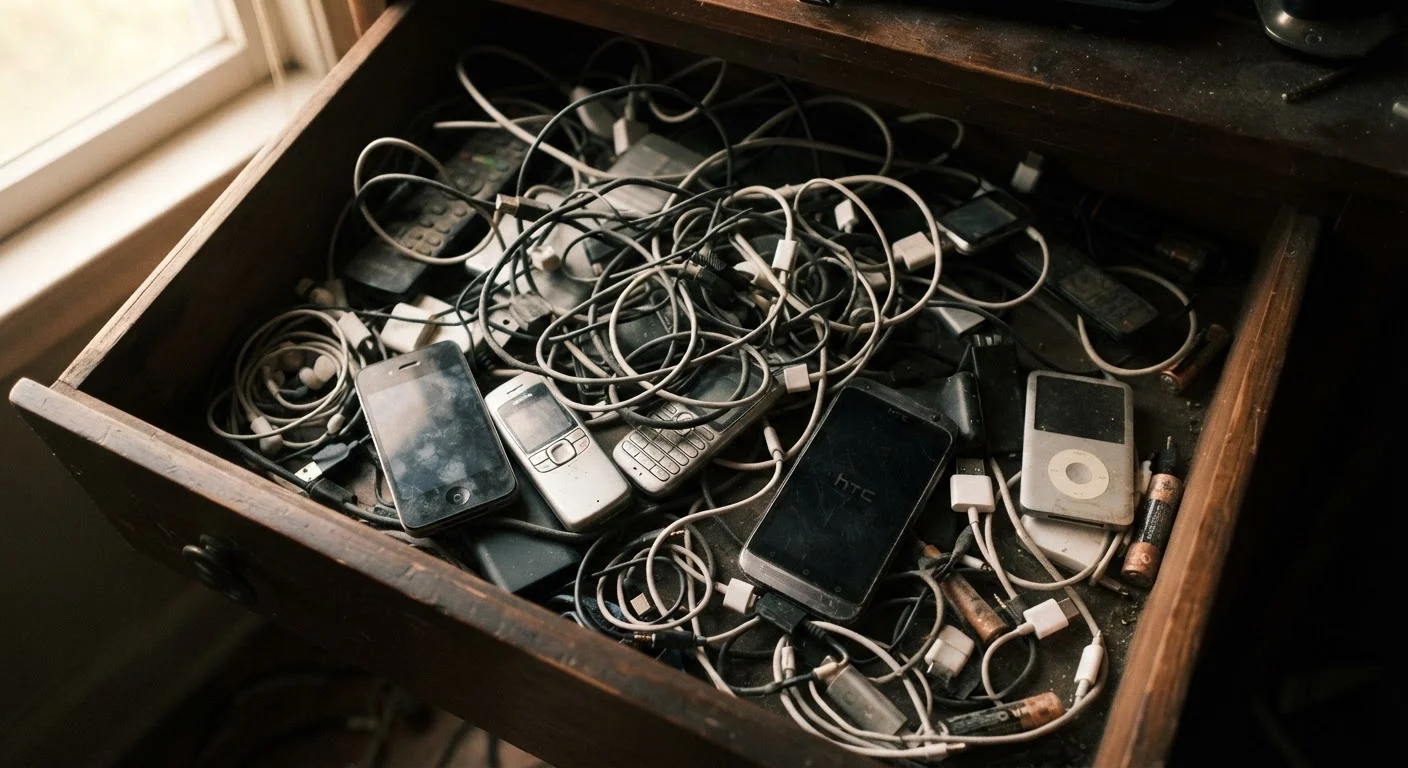
Photo credit: TurboBlogs.net | Explore Blogs At Turbo Speed
In this article
Heat, humidity, and improper storage can age your electronics fast. Here are the overlooked habits that cause long-term damage.
Key Takeaways
- Heat and humidity are the leading environmental causes of premature electronics failure.
- Storing devices with a fully depleted or fully charged battery accelerates long-term capacity loss.
- Pressure, compression, and improper cases can physically damage internal components over time.
- Even powered-off devices can degrade if stored in the wrong conditions for extended periods.
Why Storage Conditions Matter More Than Most People Realize
Most electronics damage isn't dramatic - it accumulates quietly over months or years of poor storage. A phone left in a hot car, a laptop shoved under a pile of clothes, a tablet stored in a damp basement: none of these feel catastrophic in the moment, but each chips away at the internal components that determine how long a device lasts and how well it performs.
The materials inside modern electronics - lithium-ion battery cells, solder joints, circuit board traces, and display panels - are sensitive to environmental conditions in ways that aren't obvious until something fails. Understanding what harms them gives you practical leverage to extend the life of every gadget you own. For broader guidance on keeping your devices running well day-to-day, see our resource on keeping a connected home running smoothly.
Storing devices in environments with high heat - such as hot cars, attics, or near radiators.
Why it happens: People often store spare or seasonal devices wherever space is available, without thinking about temperature. Garages and attics seem like logical storage spots but frequently exceed safe thermal limits.
Leaving a device stored with a completely dead or fully charged battery for extended periods.
Why it happens: It feels intuitive to either drain a battery fully before storage or charge it to 100% so it's ready to use. Both extremes are actually harmful to lithium-ion cells over the long term.
Stacking heavy objects on top of stored devices, or compressing them inside overstuffed bags or drawers.
Why it happens: Electronics often get buried under other items simply because storage space is limited. The physical consequence - gradual pressure on screens, battery cells, and internal connectors - isn't visible until something cracks or stops working.
Storing devices in areas with high humidity or moisture exposure, such as bathrooms or unfinished basements.
Why it happens: Humidity damage is invisible until it's severe - there's no immediate feedback that condensation is forming on circuit boards or that corrosion is beginning inside connectors.
Wrapping cables tightly around devices or storing them kinked and tangled.
Why it happens: It feels tidy to coil a charging cable around a phone or adapter, but repeated tight bending stresses the cable's internal conductors at the same point each time, eventually causing fraying or failure.
Skipping protective cases or sleeves when storing devices not in active use.
Why it happens: When a device is being put away rather than carried, protective cases feel unnecessary. But unprotected surfaces accumulate scratches, and exposed ports collect debris that can interfere with charging and data connections.
The Data Behind Device Degradation
Electronics degradation isn't just anecdotal - there's consistent engineering data behind the environmental thresholds that matter most. Knowing where the risk zones are helps you make smarter decisions about where and how you store devices, whether they're in daily rotation or sitting in a drawer for months.
95°F
Maximum recommended storage temperature for most consumer electronics
Apple, Google, and most major manufacturers specify a maximum storage temperature of 95°F (35°C) before risk of component damage increases significantly.
20%
Battery capacity loss from improper long-term storage charge levels
Battery University, a widely cited resource on electrochemical storage, notes that lithium-ion cells stored at full charge in warm conditions can lose up to 20% capacity in as little as one year.
40-60%
Optimal battery charge level for long-term device storage
Engineers at multiple battery and device manufacturers consistently recommend storing lithium-ion devices at 40-60% charge to minimize electrochemical stress during extended idle periods.
Battery health is one of the most sensitive indicators of storage quality. If you're also thinking about how charging habits affect long-term capacity, our article on slowing smartphone battery degradation covers the specifics in depth.
Mistakes That Quietly Cut Device Lifespans Short
The following errors are among the most common - and the most preventable. Each one represents a habit that feels harmless but consistently shortens the usable life of electronics over time.
Humid Storage Can Void Manufacturer Coverage
Many consumer electronics include internal liquid contact indicators - small strips that change color when exposed to moisture. Damage caused by humidity or condensation is typically excluded from standard manufacturer warranties. Storing devices in damp environments doesn't just risk hardware failure; it can eliminate your recourse if something goes wrong.
If you're setting up new smart devices and want to avoid configuration mistakes from the start, the Home Tech Setup hub covers practical guidance for every stage of the process.

Author
Tech & Electronics Editorial Team
Tech & Electronics Editorial Team is the collective byline for our editorial team and contributor network. Articles published under this byline or an editorial pen name are researched, written, and reviewed according to our editorial standards for clarity, consistency, and independence before publication.
View all articles →