
What Is End-to-End Encryption - and Why It Matters for Your Messages
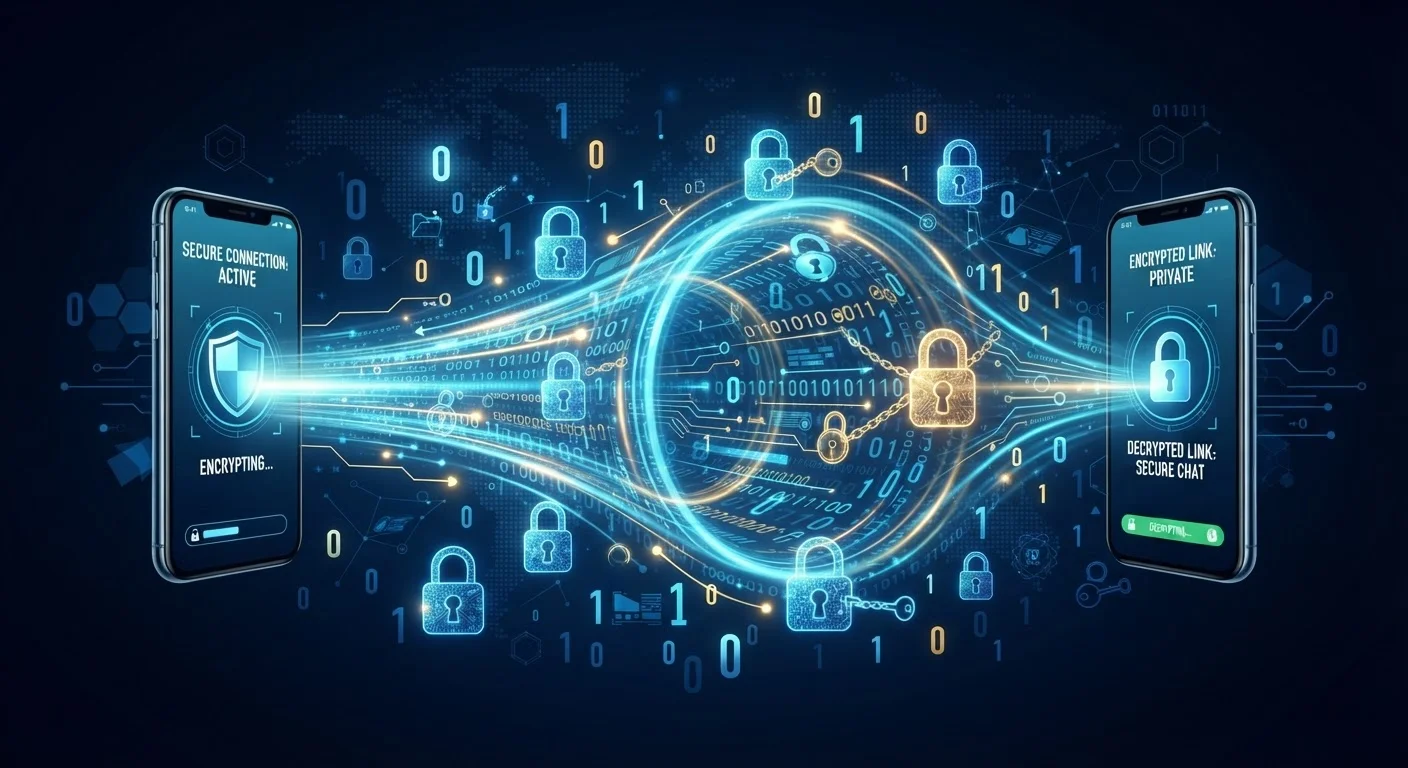
Photo credit: TurboBlogs.net | Explore Blogs At Turbo Speed
In this article
End-to-end encryption keeps your messages readable only by you and the recipient. Here's how it works in plain language.
Key Takeaways
- End-to-end encryption means only the sender and recipient can read a message - no one else.
- The encrypting and decrypting happens on your device, not on a company's server.
- Many widely used messaging apps offer E2EE, but it is not always enabled by default.
- E2EE protects message content but does not hide metadata like who you contacted or when.
- Understanding E2EE helps you make smarter choices about which apps to use for sensitive conversations.
The Problem E2EE Solves
When you send a regular text message or email, that data travels through multiple systems - your carrier's servers, the app company's infrastructure, and potentially more - before reaching the recipient. At any of those stops, the message can theoretically be read, stored, or handed over to a third party. This is not a hypothetical risk; data breaches, surveillance programs, and corporate data sharing are documented realities.
End-to-end encryption eliminates the exposure at every middle point. Because the message is scrambled before it leaves your device and only unscrambled when it arrives on the recipient's device, there is nothing intelligible for anyone in between to read. For a broader foundation in protecting yourself online, see our guide to online privacy from the ground up.
2 billion+
Users on platforms offering E2EE messaging
WhatsApp alone reports over 2 billion active users, all of whom send messages protected by default end-to-end encryption.
128-256 bits
Typical encryption key length in modern E2EE
AES-256, a widely used encryption standard, would take current computers longer than the age of the universe to brute-force, according to cryptography researchers.
~60%
Adults who say online privacy is very important
A Pew Research Center survey found a substantial majority of Americans consider their ability to keep their online communications private to be important.
How the Encryption Actually Works
The mechanism behind E2EE is called public-key cryptography. Every user has two mathematically linked keys: a public key and a private key. Think of the public key as a padlock you hand to anyone who wants to send you a message. They lock the message using your padlock. Only your private key - which never leaves your device - can open it.
When you send a message, your app automatically performs this exchange behind the scenes. You never manage keys manually; the process is invisible. What matters is the architectural guarantee: the decryption key is never transmitted to or stored on any server, so no server can decrypt the content.
Check Your App's Encryption Status
Not every messaging platform enables E2EE for all conversation types by default. Look in your app's settings or privacy documentation for confirmation that end-to-end encryption is active. When in doubt, the app's official help center is the most reliable source.
What E2EE Does and Does Not Protect
It is important to understand the limits of E2EE so you can make realistic decisions about your privacy.
- What it protects: The content of messages, images, voice calls, and files sent through an E2EE-enabled channel - in transit and at rest on servers.
- What it does not protect: Metadata - the fact that you communicated with a particular person, at a particular time, for a certain duration. Metadata is often collected even when content is encrypted.
- Device security: If someone has physical access to your unlocked phone, they can read your decrypted messages. E2EE is not a substitute for device-level security such as screen locks and strong authentication.
- Cloud backups: If you back up your messages to a cloud service without enabling encrypted backups, those stored copies may not be protected by E2EE.
For a complete picture of how encryption fits alongside other protections, our digital security glossary explains the key terms you'll encounter.
Practical Steps: Using E2EE in Everyday Life
You do not need to be technically fluent to benefit from end-to-end encryption. A few practical habits make a meaningful difference:
- Check whether E2EE is enabled by default in the apps you use. Some apps require you to activate a specific mode - such as a "secret conversation" feature - to enable it.
- Enable encrypted backups if your messaging app offers them, so your message history stays protected even in cloud storage.
- Combine E2EE with strong authentication. Encrypting your messages while using a weak or reused password undermines your overall security. Learn why password security requires more than complexity.
- Lock your device. A strong screen lock ensures that encrypted messages remain inaccessible to anyone who handles your phone without permission.
For a comprehensive walkthrough of securing your devices across all dimensions, see our complete device security guide for everyday users.
E2EE Is One Layer, Not a Complete Solution
End-to-end encryption is a powerful protection for message content in transit, but digital privacy requires multiple overlapping layers. Device security, strong authentication, careful app permissions, and awareness of metadata exposure all play a role. No single tool covers every risk.
Frequently Asked Questions

Author
Tech & Electronics Editorial Team
Tech & Electronics Editorial Team is the collective byline for our editorial team and contributor network. Articles published under this byline or an editorial pen name are researched, written, and reviewed according to our editorial standards for clarity, consistency, and independence before publication.
View all articles →