
Keeping Personal Data Safe When You Shop Online
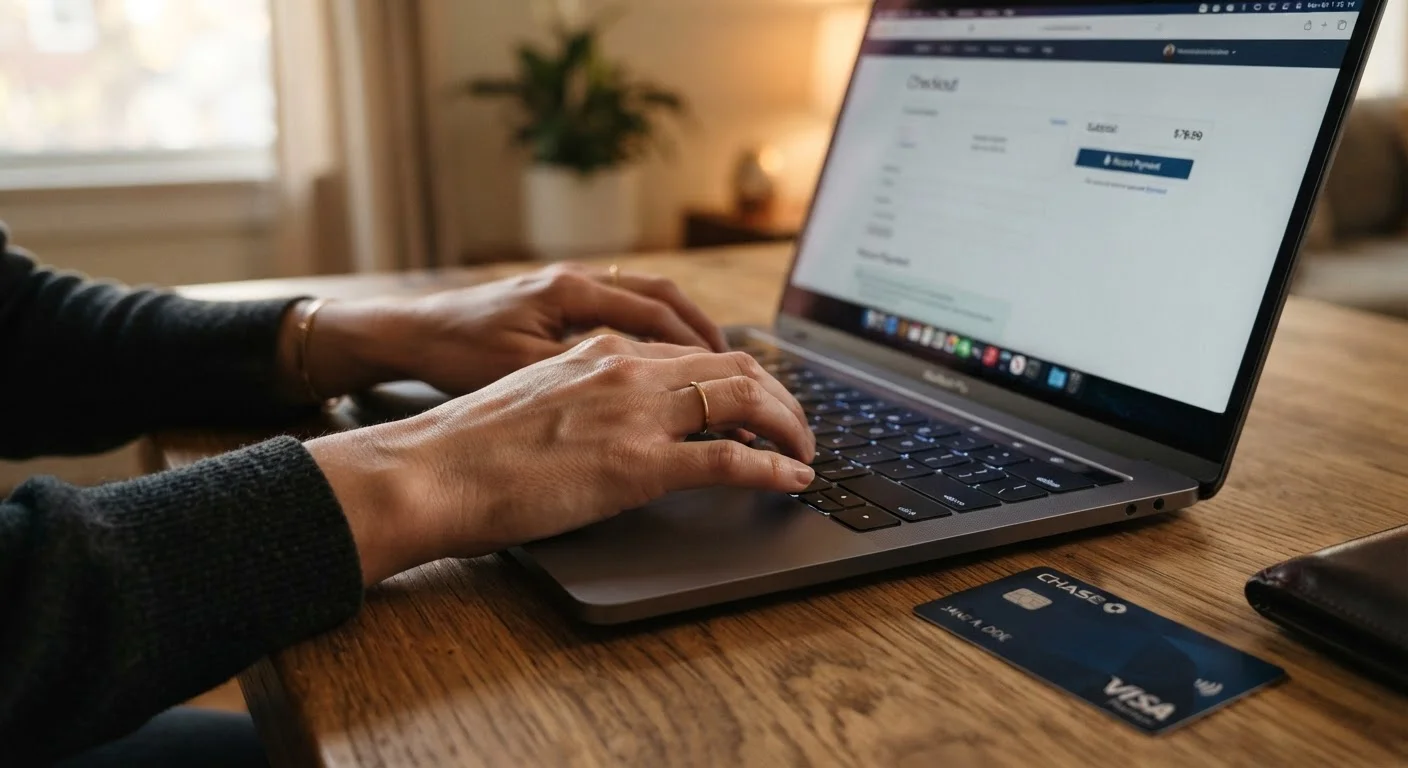
Photo credit: TurboBlogs.net | Explore Blogs At Turbo Speed
In this article
Online shopping involves sharing payment and address data constantly. These are the practices that meaningfully reduce your exposure.
Key Takeaways
- Using a dedicated payment method for online purchases limits financial exposure if a breach occurs.
- HTTPS and locked padlock icons confirm data is encrypted in transit, but do not guarantee a site is legitimate.
- Creating unique passwords per retailer and enabling two-factor authentication are among the highest-impact protective steps.
- Avoiding public Wi-Fi for purchases - or using a VPN - prevents credential interception on open networks.
- Checking account statements regularly is the fastest way to catch unauthorized charges before they escalate.
Why Online Shopping Is a Data Risk Worth Understanding
Every time you complete a purchase online, you hand over your name, shipping address, email, and payment details to a retailer - sometimes one you've never heard of before. That data has real value to criminals, and retailers of all sizes get breached regularly. Understanding what happens after a company is hacked clarifies why exposure doesn't end the moment a retailer patches a vulnerability.
The good news: most of the risk from online shopping can be managed with a small set of consistent habits. The practices below are grounded in established security guidance and are designed to be practical for everyday shoppers, not just IT professionals.
83%
Of data breaches involve external actors
According to Verizon's Data Breach Investigations Report, the overwhelming majority of breaches involve external attackers targeting credentials and payment data.
80%+
Of hacking breaches use stolen or weak passwords
Verizon's annual breach research consistently identifies compromised credentials as the leading method used to gain unauthorized access to accounts.
Core Security Practices Every Online Shopper Should Use
These habits address the most common vectors through which shopping data gets compromised - from weak credentials to unverified sites.
Use a dedicated credit card or virtual card number for online purchases.
Isolating online transactions to a single card limits financial exposure if that card number is compromised. Virtual card numbers - offered by some card issuers and third-party services - generate a temporary number linked to your real account, so your actual card data is never shared with the merchant.
Create a unique, strong password for every retailer account you create.
Password reuse is one of the most exploited vulnerabilities in consumer security. When credentials from one breached site are tested against other services - a technique called credential stuffing - reused passwords give attackers access to multiple accounts simultaneously. A password manager makes maintaining unique passwords across dozens of sites practical.
Enable two-factor authentication (2FA) on shopping accounts that support it.
Two-factor authentication requires a second verification step - typically a code sent to your phone or generated by an authenticator app - even if your password is compromised. This single addition substantially raises the barrier for unauthorized account access.
Avoid making purchases over public Wi-Fi without a VPN.
Open or poorly secured networks in cafes, airports, and hotels can allow others on the same network to intercept unencrypted data. While HTTPS encrypts the content of your connection, metadata and session information can still be exposed. A VPN encrypts all traffic between your device and the internet. For a clear breakdown of what each tool actually protects, see VPN vs. private browsing mode.
Review your payment statements regularly - at minimum, weekly.
Unauthorized charges are often small at first - a tactic used by fraudsters to test whether a card is active before making larger purchases. Prompt detection limits total loss and triggers faster resolution with your card issuer.
Be selective about which retailers you create saved accounts with.
Every retailer account you create is another potential point of exposure if that company suffers a breach. Checking out as a guest when you shop infrequently at a store prevents your data from being stored long-term in that retailer's database.
Quick Steps You Can Take Today
You don't need to overhaul your entire digital life to meaningfully reduce your exposure. Starting with a few targeted actions gives you disproportionate protection for the time invested. If you're newer to thinking about these issues, our foundational privacy guide provides helpful context on core concepts.
It's also worth knowing that your shopping data doesn't stay only with the retailer. Data brokers collect and sell personal information gathered from multiple sources, including purchase histories. Opting out of those pipelines is a complementary step once your in-session shopping habits are solid.
Set Up Purchase Alerts on Your Card
Most major card issuers allow you to enable real-time transaction notifications by email or SMS. Turning these on means you'll know about any charge - authorized or not - within seconds of it posting, rather than discovering it days later during a statement review. Check your card issuer's mobile app or account settings to activate this feature.
Common Misconceptions That Leave Shoppers Exposed
A padlock icon in the browser address bar confirms that your connection to the site is encrypted - it does not mean the site itself is trustworthy or legitimate. Phishing sites frequently use HTTPS. Similarly, shopping only on "name-brand" sites is not a complete protection: large retailers have experienced significant breaches. Separating what security measures actually protect against is part of staying genuinely safe rather than just feeling safe. For a broader look at these gaps, see common digital privacy myths that create a false sense of security.
HTTPS Encrypts Data, Not Intent
The padlock icon in your browser's address bar confirms that data traveling between your device and the website is encrypted in transit. It does not mean the site is who it claims to be, that it is well-secured on the server side, or that it will handle your data responsibly. Always verify the full domain spelling carefully before entering any payment or personal information - phishing sites routinely use HTTPS and convincing lookalike URLs.
For cautious first-time buyers, this beginner-friendly shopping guide covers what to verify before placing an order, complementing the security practices outlined here.

Author
Tech & Electronics Editorial Team
Tech & Electronics Editorial Team is the collective byline for our editorial team and contributor network. Articles published under this byline or an editorial pen name are researched, written, and reviewed according to our editorial standards for clarity, consistency, and independence before publication.
View all articles →