
Signs Your Accounts May Have Already Been Compromised
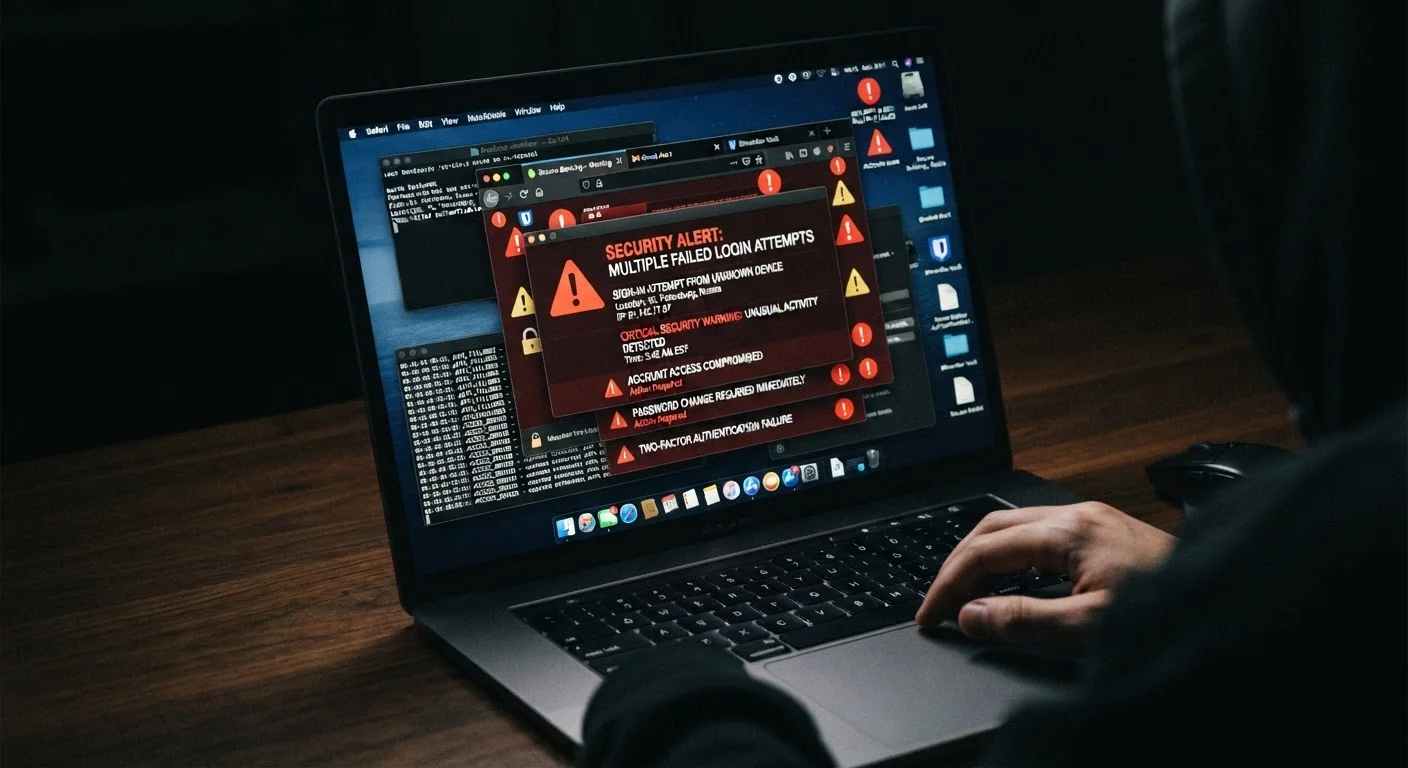
Photo credit: TurboBlogs.net | Explore Blogs At Turbo Speed
In this article
From unfamiliar login alerts to unexpected password reset emails — here are the warning signs that something may be wrong.
Key Takeaways
- Unfamiliar login locations and unexpected password reset emails are among the earliest warning signs of compromise.
- Attackers often act slowly after gaining access, making subtle signs easy to miss without regular account reviews.
- Enabling multi-factor authentication and auditing active sessions are two of the most effective immediate responses.
- A single compromised account can cascade into others if passwords are reused across services.
Why Account Compromise Is Often Invisible at First
Most people assume a hacked account announces itself dramatically - a locked screen, a ransom note, an account they can no longer open. In practice, the early stages of account compromise are designed to be quiet. Attackers who gain access to your credentials often spend time observing, harvesting information, or setting up persistent access before doing anything that would trigger a noticeable disruption.
That delay is intentional. The longer an intrusion goes undetected, the more an attacker can extract - contacts, stored payment details, linked accounts, private communications. Understanding what the early warning signs actually look like is the first step toward catching a compromise before it escalates.
Data Breaches Can Surface Later
Your credentials may be exposed in a company data breach without any immediate visible signs on your account. Attackers often trade or sell stolen credentials before using them, meaning weeks or months can pass between a breach and unauthorized access. Monitoring breach notification services and reviewing what happens after a company is hacked can help you stay ahead of delayed threats.
The Warning Signs to Watch For
Login alerts from unfamiliar locations or devices
Most major services - email providers, social networks, financial apps - send automatic notifications when your account is accessed from a new device or geographic location. If you receive one of these alerts and don't recognize the activity, treat it seriously rather than dismissing it as a system glitch.
Check the account's recent activity log, which most platforms provide under security or privacy settings. A sign-in from a city you've never visited, or a device type you don't own, is a concrete indicator that someone else may have your credentials.
A login from a city you've never visited is rarely a coincidence - investigate it immediately.
Password reset emails you didn't request
Receiving a password reset email you didn't initiate is one of the clearest signals that someone is actively attempting to access your account. Attackers routinely trigger reset flows to lock the legitimate owner out and take control.
Do not click any links inside these unsolicited emails - phishing messages are often crafted to look identical to legitimate reset notifications. Instead, navigate directly to the service's website and change your password from there. Then check whether your email address appears in any known data breach databases using a reputable breach notification service.
Never click links in unsolicited reset emails - go directly to the service to change your password.
Contacts reporting strange messages sent from your account
When friends, family, or colleagues mention receiving odd messages - spam links, requests for money, or out-of-character content - that appear to come from you, your account has almost certainly been accessed by someone else. Attackers use compromised accounts to spread phishing links or run scams against people in your network.
If this happens, notify your contacts immediately so they don't act on anything suspicious, then secure your account by changing your password and revoking any unrecognized connected applications.
If your contacts are getting strange messages from you, assume your account is already in someone else's hands.
Unfamiliar apps or services connected to your account
Many platforms allow third-party apps to connect via authorization (often called OAuth). Once an attacker has access, they may authorize a malicious application that retains ongoing access even after a password change.
Review the list of connected apps and services in your account's security settings periodically. Revoke access for anything you don't recognize or no longer use. This step is frequently overlooked but is critical - a revoked password doesn't automatically sever a third-party app's access token.
Revoking a compromised password won't cut off apps that were already granted access before you changed it.
Account settings or personal information that changed without your action
Finding that your recovery email address, phone number, or security questions have been altered - and you didn't make those changes - is a strong signal of unauthorized access. Attackers modify recovery details early in an account takeover to prevent the legitimate owner from regaining access.
Regularly review your account's personal information and security settings, not just when something feels wrong. Catching an altered recovery contact before it's your only avenue back in can be the difference between a frustrating hour and losing account access entirely.
Attackers change recovery details early specifically to lock you out - check these settings regularly.
Unexpected purchases, transfers, or sent items
For financial accounts, e-commerce accounts, or email, unauthorized transactions or sent messages you can't account for are serious indicators of compromise. In email, check your Sent folder for messages you don't recognize - attackers sometimes use email accounts to conduct further phishing without obvious signs in your inbox.
For financial accounts, even small unrecognized charges warrant investigation. A common tactic is to test a stolen card or account with a minor transaction before attempting larger ones. Prompt reporting to the relevant institution limits your exposure and initiates the recovery process sooner.
Small, unrecognized charges on financial accounts are often deliberate tests before larger unauthorized transactions follow.
Act Before You're Certain
You don't need definitive proof of compromise to take protective action. If something feels off - an unfamiliar alert, a missing email, a setting you don't remember changing - change your password and enable multi-factor authentication immediately. Acting on suspicion costs you minutes; ignoring a real breach can cost you much more.
What to Do If You Spot These Signs
Recognizing a warning sign is only useful if you act on it promptly. The immediate priority is securing the affected account: change the password to something unique, enable multi-factor authentication (MFA) if it isn't already active, and review all connected devices and applications. If the account is an email address, treat it as high priority - email access is often the master key to resetting credentials for every other service you use.
Password reuse dramatically amplifies the damage of a single compromised account. If the affected account shares a password with others, update those accounts immediately. For a deeper look at why even complex passwords can be stolen and what actually constitutes strong credential hygiene, see why strong passwords still get stolen.
If your compromise extends to connected home devices or smart home systems, the exposure may go further than a single account. Running through a smart home security checklist can help you identify and close gaps across your broader digital environment. Social media accounts warrant their own attention - default settings often expose more than you'd expect, and a compromised profile can be used against your contacts in ways that aren't immediately obvious. Reviewing privacy settings worth actually using is a practical follow-up step.

Author
Tech & Electronics Editorial Team
Tech & Electronics Editorial Team is the collective byline for our editorial team and contributor network. Articles published under this byline or an editorial pen name are researched, written, and reviewed according to our editorial standards for clarity, consistency, and independence before publication.
View all articles →