
The Smart Home Security Checklist Every Homeowner Should Run Through
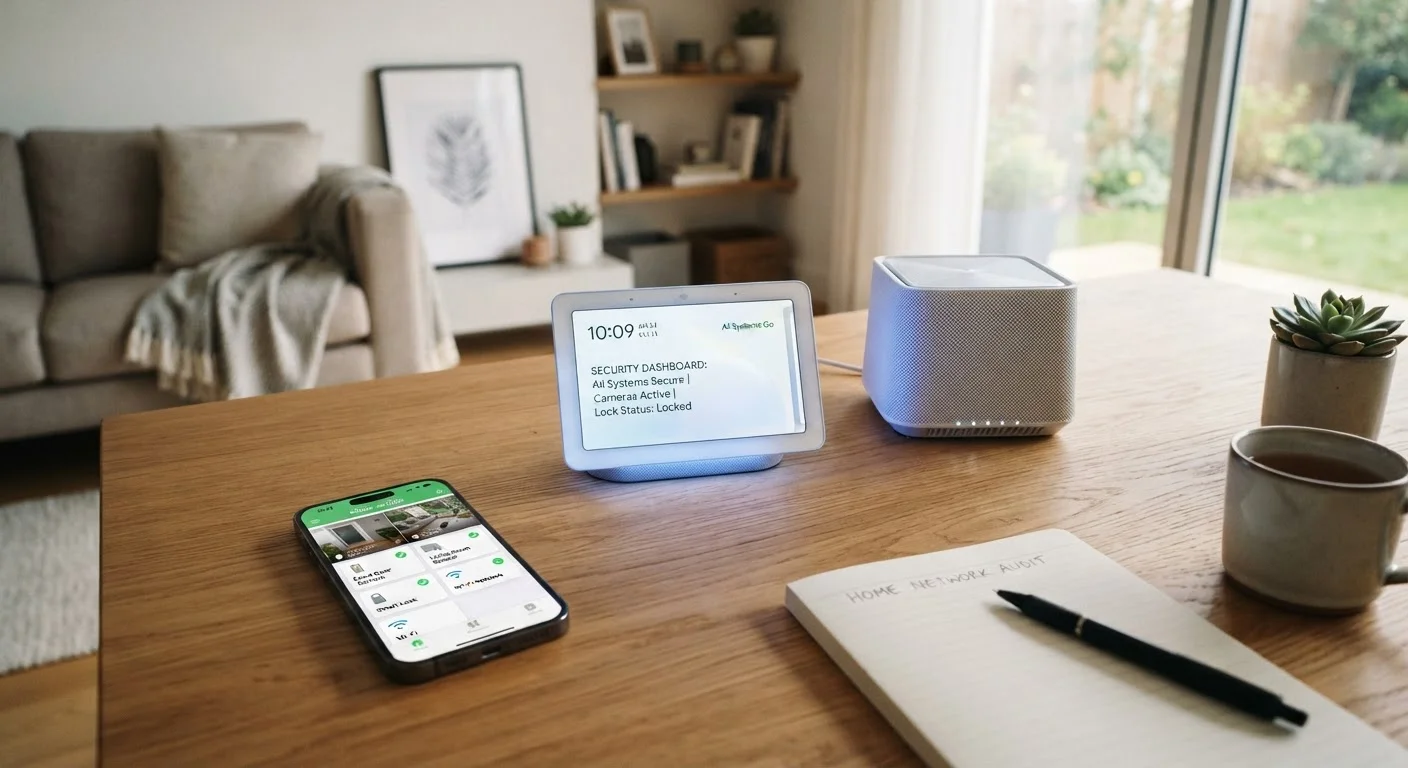
Photo credit: TurboBlogs.net | Explore Blogs At Turbo Speed
In this article
From router passwords to app permissions, use this checklist to audit your connected home for common security gaps.
Key Takeaways
- Most smart home vulnerabilities come from default passwords and outdated firmware, not sophisticated attacks.
- Separating IoT devices onto a guest or dedicated network significantly reduces your exposure.
- Two-factor authentication adds a critical layer of protection to smart home apps and accounts.
- Regular audits — not just initial setup — are what keep a connected home secure over time.
- App permissions and cloud account access are often overlooked but carry real privacy risks.
Why a Security Audit Matters for Connected Homes
Every smart device you add to your home — a thermostat, a doorbell camera, a voice assistant — is a network endpoint. Each one can be a point of entry if it's misconfigured or neglected. The good news is that the most common vulnerabilities are also the most preventable. You don't need to be a network engineer; you need a methodical approach.
This checklist is designed to be run in a single session. Work through it room by room and layer by layer: your router, your devices, your accounts, and your apps. If you're starting from scratch, our complete guide to building a smart home covers the planning phase end to end. If you want to understand unfamiliar terms along the way, the digital security glossary is a useful companion.
Already Suspect a Breach? Act First
If you notice unfamiliar devices on your network, unexpected account activity, or logins from unknown locations, don't wait to run this audit sequentially. Change your most sensitive passwords immediately, revoke unknown app access, and consider resetting your router to factory defaults before reconfiguring it from scratch. Speed matters when credentials may already be exposed.
This audit addresses configuration and software security. It does not replace physical security measures, and it is not a substitute for professional cybersecurity advice if you believe your network has already been compromised. If you spot signs of trouble, see our article on signs your accounts may have been compromised.
What You'll Need Before You Start
Before running through the checklist, gather the following so you're not pausing mid-audit. Having everything in hand makes the process faster and reduces the chance of skipping steps.
Router Admin Panel Access
Used to update router firmware, change Wi-Fi passwords, configure network segmentation, and disable unused features.
Password Manager
Generates and stores strong, unique passwords for every device and account so you don't rely on memorisation or reuse.
Smartphone with Smart Home Apps Installed
Needed to review and adjust app permissions, account settings, and linked third-party services.
Device Inventory List
A simple written or digital list of every connected device in your home, used to ensure nothing is missed during the audit.
Email Access for Each Account
Required to enable two-factor authentication and verify recovery options on smart home platform accounts.
If your home is older and you're still in the planning stage, it's worth reading what to plan before installing smart home devices in an older house before running this audit — wiring and Wi-Fi coverage issues can affect how you configure your network security.
The Full Checklist
Work through each group in order. Items marked must are non-negotiable for a reasonably secure setup. Should items are strongly recommended but may require a few extra minutes. Nice-to-have items are worth doing when time allows.
Router & Network Foundation
Smart Device Configuration
Account & Authentication Security
App Permissions & Privacy Settings
Ongoing Maintenance Habits
Don't Set and Forget Your Security
Running this checklist once is a strong start, but new vulnerabilities are discovered regularly and devices receive patches that need to be applied. Skipping firmware updates for months at a time is one of the most common ways connected home security erodes. Build a habit of checking in quarterly — your setup will be significantly more resilient for it.
Once you've completed this audit, the work isn't done. Smart home security is an ongoing practice, not a one-time task. Our guide on keeping a connected home running smoothly over time outlines the regular habits — firmware checks, device audits, network hygiene — that prevent problems from creeping back in. For a broader look at your overall digital footprint, the digital privacy audit checklist is a natural next step.

Author
Tech & Electronics Editorial Team
Tech & Electronics Editorial Team is the collective byline for our editorial team and contributor network. Articles published under this byline or an editorial pen name are researched, written, and reviewed according to our editorial standards for clarity, consistency, and independence before publication.
View all articles →