
Two-Factor Authentication: Every Method Compared
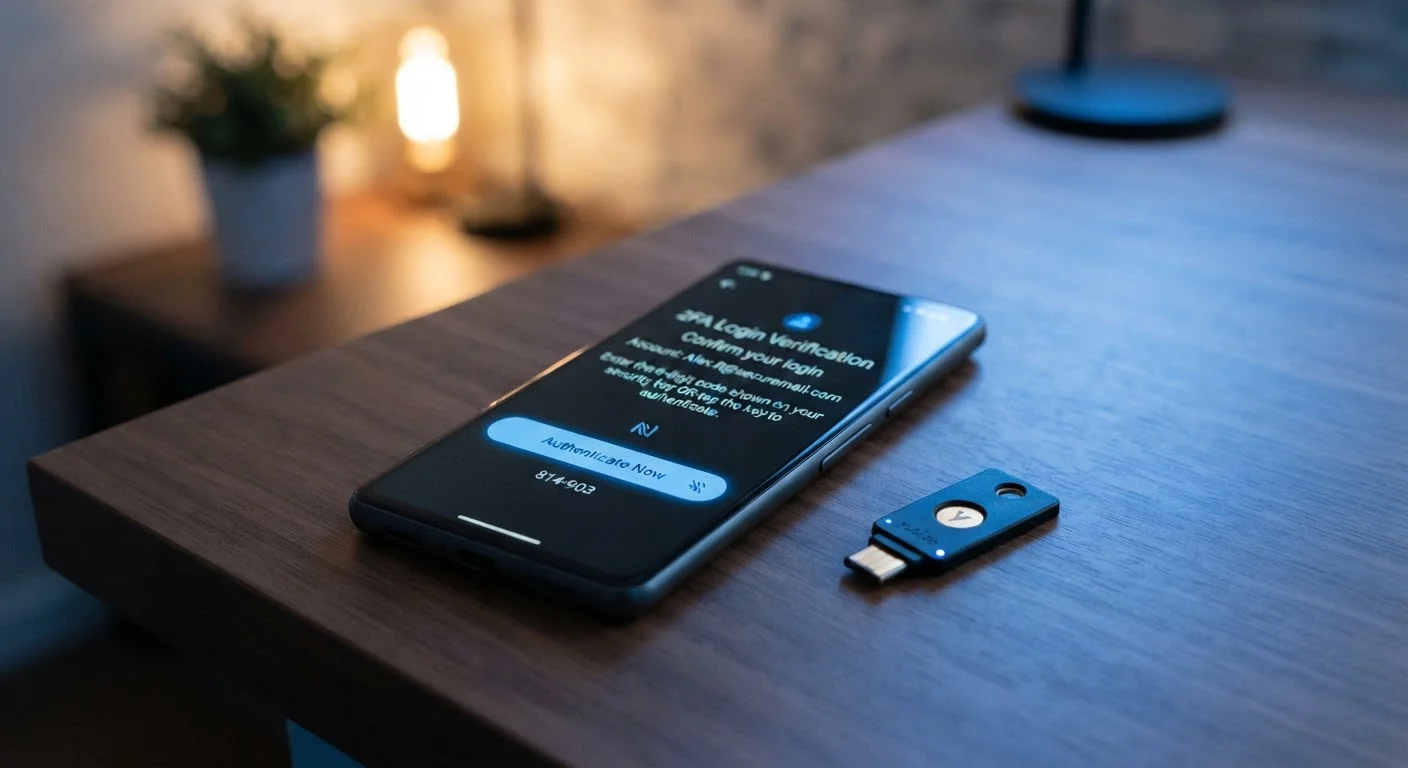
Photo credit: TurboBlogs.net | Explore Blogs At Turbo Speed
In this article
SMS codes, authenticator apps, hardware keys — each 2FA method offers different trade-offs. Here's how they stack up on security and convenience.
Key Takeaways
- Two-factor authentication (2FA) dramatically reduces the risk of unauthorized account access, even if your password is compromised.
- SMS-based codes are the most widely available but are vulnerable to SIM-swapping and interception attacks.
- Authenticator apps offer a strong balance of security and convenience for most everyday users.
- Hardware security keys provide the highest level of protection and are nearly immune to phishing attacks.
- The best 2FA method is the one you will actually use consistently across your important accounts.
What Two-Factor Authentication Actually Does
Two-factor authentication (2FA) requires you to verify your identity using two distinct types of evidence before accessing an account. Typically this means something you know (your password) plus something you have (a code or device). Even if a thief obtains your password, they still cannot log in without that second factor.
This matters more than many people realize. Passwords are stolen constantly - through data breaches, credential-stuffing attacks, and phishing. For a fuller picture of how those attacks work, see our article on phishing, smishing, and vishing tactics. Enabling 2FA doesn't require technical expertise, but choosing the right method requires understanding what each one actually protects against.
The Three Main 2FA Methods Compared
Three approaches dominate consumer 2FA: SMS text codes, authenticator apps, and hardware security keys. Each sits at a different point on the security-versus-convenience spectrum.
| SMS Codes | Authenticator App | Hardware Key | |
|---|---|---|---|
| Ease of setup | Very easy - no extra app | Easy - one-time app setup | Moderate - requires physical device |
| Cost | Free | Free | $25-$60 per key |
| Phishing resistance | Low - codes can be stolen via fake sites | Medium - codes can be entered on fake sites | High - key verifies legitimate site |
| SIM-swap vulnerability | Yes - major weakness | No - codes generated offline | No - no phone network involved |
| Works without cell signal | No | Yes | Yes |
| Recovery if lost/broken | New SIM from carrier | Backup codes or reinstall | Backup key or recovery codes needed |
| Broad service support | Nearly universal | Very wide | Growing, not universal |
SMS Text Codes
When you log in, the service sends a one-time code to your phone number. It's universally supported and requires no extra app. The critical weakness: your phone number can be hijacked through a SIM-swap attack, where a scammer convinces your carrier to transfer your number to their device. Codes sent over SMS are also theoretically interceptable via flaws in the telephony network (known as SS7 vulnerabilities). For most ordinary accounts, SMS 2FA is still a significant improvement over no 2FA - but it shouldn't be your only protection on financial or email accounts.
Authenticator Apps
Apps such as those implementing the TOTP (Time-based One-Time Password) standard generate six-digit codes locally on your device every 30 seconds. Because codes are generated offline and never travel over the phone network, SIM-swapping doesn't work against them. They're free, work across hundreds of services, and require only a smartphone. The main risk: if you lose your phone without backing up recovery codes, regaining account access can be difficult.
Save Your Recovery Codes Before You Need Them
When enabling an authenticator app, every service will offer a set of one-time backup codes. Download or write these down and store them somewhere safe - separate from your phone. If you lose or replace your device, these codes are often the only way to recover access without a lengthy support process.
Hardware Security Keys
A hardware key is a small physical device - often USB or NFC-enabled - that you tap or insert when logging in. It uses public-key cryptography and is phishing-resistant by design: the key verifies it's communicating with the legitimate website, so a convincing fake login page cannot steal your credentials. Hardware keys are the method recommended for accounts where a breach would be catastrophic. The trade-off is cost (typically $25-$60 per key) and the need to carry the device.
Backup Codes and Biometrics: What Role Do They Play?
Most services offer backup codes - a set of single-use codes generated when you first enable 2FA. Store these in a secure, offline location (printed or in an encrypted password manager). They're a recovery mechanism, not a primary 2FA method. For context on why password storage matters, our guide on why strong passwords still get stolen covers secure storage practices in depth.
Biometrics (fingerprint or face unlock) on your phone often serve as a local authentication layer when accessing an authenticator app, but they're not a standalone 2FA factor in the traditional sense - they verify you to your device, not you to the remote service. They complement, rather than replace, the methods above.
Don't Rely on SMS for High-Stakes Accounts
SIM-swap fraud is a real and growing threat. Attackers have successfully used it to bypass SMS 2FA on bank and email accounts. If a service you rely on for financial access or account recovery only offers SMS 2FA, that's still worth enabling - but consider whether the platform's overall security posture meets your needs. Push your most critical services to support stronger 2FA options.
How to Choose the Right Method for Each Account
Not all accounts warrant the same level of protection. A practical framework:
- Email and password-manager accounts: Use an authenticator app or hardware key. Email is the recovery gateway to every other account - it deserves the strongest protection available.
- Financial accounts: Use an authenticator app at minimum. If your bank supports hardware keys, consider one.
- Social media and shopping accounts: An authenticator app is appropriate; SMS is acceptable if that's all the platform supports.
- Work or administrative accounts: Follow your organization's policy; hardware keys are increasingly standard for privileged access.
This article is one piece of a broader security picture. For a comprehensive overview, see our complete guide to keeping your devices secure, which covers updates, password managers, and 2FA together. If you encounter unfamiliar security terminology along the way, our digital security glossary explains key terms in plain language.

Author
Tech & Electronics Editorial Team
Tech & Electronics Editorial Team is the collective byline for our editorial team and contributor network. Articles published under this byline or an editorial pen name are researched, written, and reviewed according to our editorial standards for clarity, consistency, and independence before publication.
View all articles →