
Phishing, Smishing, and Vishing: The Tactics Behind Most Online Scams
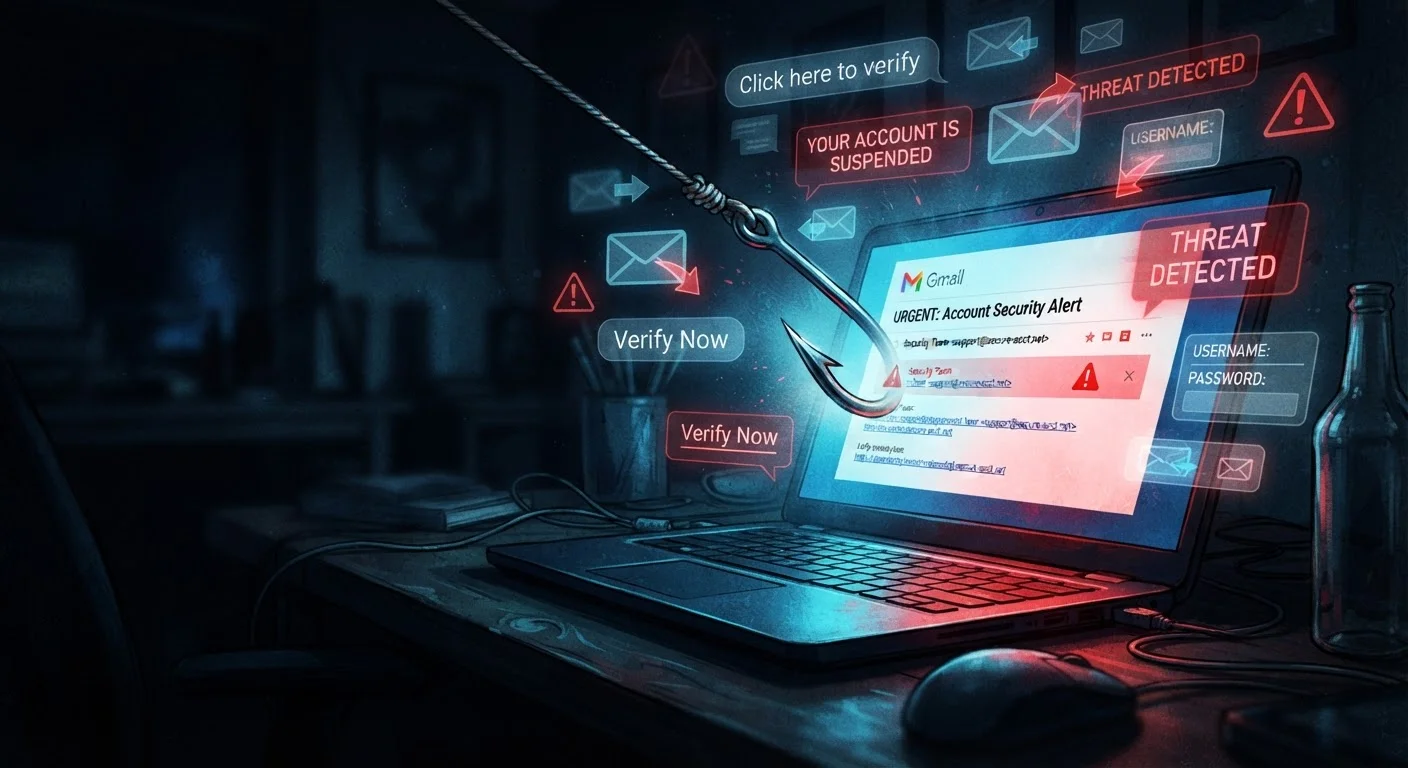
Photo credit: TurboBlogs.net | Explore Blogs At Turbo Speed
In this article
Learn how phishing emails, text scams, and fraudulent phone calls work — and the red flags that give them away.
Key Takeaways
- Phishing, smishing, and vishing are scams that impersonate trusted sources to steal your credentials or money.
- Most scams create artificial urgency - pressure to act immediately is a reliable red flag.
- Legitimate organizations will never ask for passwords or full account numbers via email, text, or phone.
- Verifying contact directly through official channels stops most social engineering attacks.
- Enabling two-factor authentication adds a meaningful layer of protection even if credentials are stolen.
How Social Engineering Scams Actually Work
The vast majority of account takeovers and online fraud don't begin with sophisticated code cracking. They begin with a convincing message. Phishing, smishing, and vishing are collectively known as social engineering attacks - scams that manipulate people into voluntarily handing over credentials, payment details, or access to accounts.
What makes these attacks effective is their use of impersonation and emotional pressure. A fraudulent email claiming your bank account has been locked triggers panic. A text message saying a package couldn't be delivered creates curiosity. A caller posing as an IRS agent threatens immediate legal consequences. These emotional triggers short-circuit careful thinking - which is precisely the point.
Understanding how each method works is the first step to recognizing and deflecting them. For a grounding in the broader vocabulary of digital threats, see our glossary of digital security terms.
~3.4B
Phishing emails sent daily worldwide
Estimates from cybersecurity research consistently place daily phishing email volume in the billions, making it one of the most common vectors for online fraud.
74%
Of data breaches involve a human element
According to Verizon's Data Breach Investigations Report, the vast majority of breaches involve social engineering, errors, or misuse - not purely technical exploits.
$2.7B+
Lost to phishing and impersonation scams annually
The FBI's Internet Crime Complaint Center (IC3) attributes billions in annual losses to phishing, vishing, and related social engineering fraud in the United States.
Phishing: Deception Through Email
Phishing emails impersonate legitimate organizations - banks, government agencies, shipping companies, tech platforms - and typically direct recipients to click a link or open an attachment. The link leads to a convincing fake website designed to harvest login credentials or payment information. Attachments may install malware.
Key red flags in phishing emails include:
- Mismatched sender addresses: The display name may say "PayPal" but the actual address is something like
support@paypall-secure.net. - Generic greetings: "Dear Customer" instead of your actual name.
- Urgent or threatening language: "Your account will be suspended in 24 hours."
- Suspicious links: Hover over any link before clicking - the visible text and the actual URL often don't match in a phishing email.
Spear phishing is a more targeted variant where the attacker has researched the recipient and personalizes the message - using your name, employer, or recent activity - making it significantly harder to spot.
Before You Click: Check the URL
Hover over any link in an email before clicking - on mobile, press and hold the link to preview the destination URL. Look for slight misspellings of real domain names (like 'paypa1.com' or 'amazon-support.net'). If the domain doesn't exactly match the official website, don't proceed.
Smishing: Text Messages That Aren't What They Seem
Smishing (SMS + phishing) arrives as a text message and follows the same playbook: impersonate a trusted entity, create urgency, and direct the recipient to a malicious link or phone number. Common smishing scenarios include fake package delivery notifications, bank fraud alerts, and prize or reward claims.
Smishing has grown in prevalence partly because people tend to be less skeptical of texts than emails. Attackers can also spoof sender IDs, making a message appear to originate from a legitimate number or recognizable short code. Tapping a link in a smishing text can take you to a credential-harvesting page or, in some cases, automatically attempt to install malware.
If you receive an unexpected text about your account or a delivery, do not tap the link. Go directly to the organization's official website or app instead.
Vishing: Voice Calls as a Vector for Fraud
Vishing (voice + phishing) uses phone calls or voicemails to impersonate figures of authority - IRS agents, bank fraud departments, tech support representatives, or Social Security Administration officials. Caller ID spoofing allows attackers to display a government agency's or bank's real phone number, lending the call apparent legitimacy.
Common vishing scripts create immediate fear: a tax debt, a compromised account, or a grandchild in trouble. The caller then requests payment via gift card, wire transfer, or personal information to "verify your identity" and resolve the issue.
“The human is the most vulnerable element in any security system. Technical safeguards matter, but attackers will always look for the path of least resistance - and that path is usually a convincing story delivered at the right moment.”
— Bruce Schneier, Security technologist and author on cybersecurity
A legitimate bank, government agency, or tech company will never ask you to confirm your full account number, Social Security number, or password over the phone during an unsolicited call. If a call feels suspicious, hang up and call the organization back using the number on their official website.
Practical Steps to Protect Yourself
Awareness alone isn't enough - the following habits meaningfully reduce your exposure:
- Verify before you act. Never use contact information provided in the suspicious message. Navigate directly to the official website or call the number on the back of your card.
- Slow down. Urgency is a manipulation tactic. Taking 60 seconds to assess a message before responding disrupts the attack.
- Enable two-factor authentication. Even if an attacker steals your password, a second factor blocks access. Our guide to every 2FA method explains the trade-offs between SMS codes, authenticator apps, and hardware keys.
- Don't reuse passwords. A password captured on one site shouldn't unlock others.
- Be cautious when shopping online. Phishing campaigns frequently target shoppers - see how to keep personal data safe when shopping online for additional practices.
If you suspect an account has already been targeted, review the warning signs of account compromise to assess your exposure quickly.
Report Suspected Scams
Phishing emails can be reported to the Anti-Phishing Working Group at reportphishing@apwg.org, and smishing or vishing attempts can be forwarded to 7726 (SPAM) on most U.S. carriers. Reporting helps organizations and carriers track and disrupt active campaigns. The FTC's ReportFraud.ftc.gov is another resource for documenting fraud attempts.
Frequently Asked Questions

Author
Tech & Electronics Editorial Team
Tech & Electronics Editorial Team is the collective byline for our editorial team and contributor network. Articles published under this byline or an editorial pen name are researched, written, and reviewed according to our editorial standards for clarity, consistency, and independence before publication.
View all articles →