
Tablet vs. Laptop for Everyday Use: A Practical Breakdown
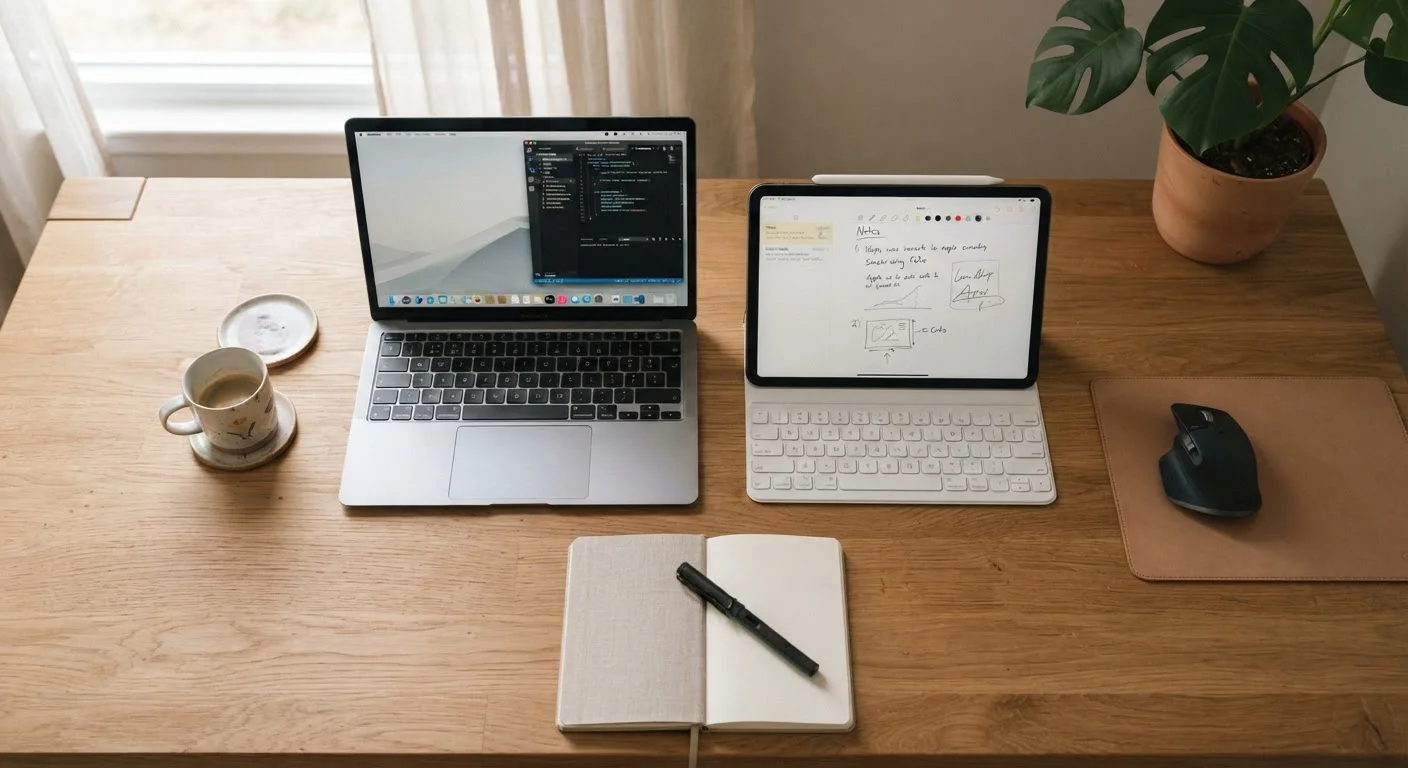
Photo credit: TurboBlogs.net | Explore Blogs At Turbo Speed
In this article
For browsing, note-taking, streaming, and light work — how tablets and laptops compare across portability, input, and real-world flexibility.
Key Takeaways
- Tablets excel at portability, media consumption, and casual browsing with touchscreen convenience.
- Laptops offer a more capable environment for typing-heavy tasks, multitasking, and file management.
- Many users find that owning both devices - each for its strengths - is the most practical setup.
- The right choice hinges on your primary use cases, not just specs or price.
What Each Device Is Actually Built For
Tablets and laptops are both general-purpose computing devices, but they were designed with different assumptions about how people use them. A tablet is built around touch interaction - swiping, tapping, and consuming content. A laptop is built around extended input - typing, navigating complex software, and managing multiple tasks simultaneously.
This foundational difference shapes everything else: keyboard quality, app ecosystems, multitasking capability, and even how comfortable a device feels after an hour of use. Understanding what each is optimized for is the starting point for making the right call.
| Tablet | Laptop | |
|---|---|---|
| Portability | Excellent - lightweight, no surface needed | Good - requires flat surface, heavier |
| Battery Life | 10-12 hrs typical | 6-12 hrs (varies widely by model) |
| Typing Experience | Limited without accessory keyboard | Full physical keyboard standard |
| Multitasking | Basic split-screen support | Robust window management |
| Software Ecosystem | App-based, limited desktop software | Full desktop applications available |
| Stylus / Touch Input | Native touchscreen, stylus support common | Limited; touchscreen optional on some models |
| Media Consumption | Excellent for streaming and reading | Capable but less optimized for handheld use |
| File Management | Simplified, app-centric | Full file system access |
Portability and Battery Life
Tablets win on raw portability. Most weigh under two pounds, slip easily into a bag, and can last 10-12 hours on a single charge under typical use. Their fanless designs mean they run silently and generate minimal heat, making them comfortable to hold for extended periods.
Laptops vary more widely. Ultrabooks can be impressively light - sometimes under three pounds - but they still require a flat surface to use comfortably, and most users pair them with a mouse. Battery life on modern thin-and-light laptops has improved significantly, though performance-focused machines often still require more frequent charging than a tablet would.
Consider How You'll Actually Hold It
If you plan to use a device while standing, commuting, or lying down, a tablet's form factor is genuinely more comfortable for extended periods. Laptops require a stable flat surface to use effectively, which limits where and how you can work. Think through your real-world usage scenarios before deciding - not just your ideal ones.
Input and Productivity
This is where laptops hold a clear advantage. A physical keyboard is faster and more accurate for most people when writing long emails, drafting documents, or entering data. Touchscreen typing on a tablet can work well for short messages, but sustained writing sessions become tiring without a hardware keyboard accessory.
Tablets can close this gap with optional keyboard covers or Bluetooth keyboards, but these add weight and cost. Even then, the trackpad experience on most tablet keyboard accessories is less refined than what a dedicated laptop offers. For tasks like spreadsheet editing, coding, or managing complex documents, a laptop's full desktop-class software environment still gives it a meaningful edge.
If you do a lot of budget tracking or financial planning, it's worth considering what device best suits your tool of choice - see spreadsheet vs. app budgeting for a deeper look at that decision.
Media, Creativity, and Specialized Use
Tablets shine for media consumption - streaming video, reading, browsing photos, and casual gaming. Their displays are typically optimized for handheld viewing angles, and touch navigation feels natural for these tasks. Many tablets also support stylus input, making them excellent tools for digital illustration, annotation, and handwritten note-taking.
Laptops handle creative work differently. Video editing, photo management across large libraries, and audio production generally benefit from a laptop's processing headroom, storage capacity, and access to full desktop applications. For users whose creativity is primarily visual and stylus-driven, a capable tablet can genuinely replace a laptop. For those working with professional-grade software, it typically cannot.
~1.5 lbs
Typical tablet weight
Most mainstream tablets fall in the 1-1.5 lb range, compared to 2.5-4 lbs for a standard laptop.
60%+
U.S. adults who own both a smartphone and a tablet
Pew Research Center surveys have consistently found high rates of multi-device ownership among American adults, reflecting how people use different devices for different tasks.
Making the Right Call for Your Situation
The honest answer is that neither device is universally better - the right tool depends on what you actually do most often. Ask yourself: Do you spend most of your computing time reading, watching, and light browsing? A tablet likely covers 80% of your needs with less bulk. Do you write frequently, manage files across multiple apps, or rely on specific desktop software? A laptop will serve you better.
For many households, a mid-range laptop handles primary productivity tasks while a tablet serves as the couch-side companion for entertainment and reading. If budget allows only one device and your work is document-heavy, lean toward the laptop. If your needs are lighter and mobility matters most, the tablet is the more practical everyday tool.
Whichever you choose, getting the most from your device means matching it to the tasks it handles best - not forcing it to substitute for the other.

Author
Tech & Electronics Editorial Team
Tech & Electronics Editorial Team is the collective byline for our editorial team and contributor network. Articles published under this byline or an editorial pen name are researched, written, and reviewed according to our editorial standards for clarity, consistency, and independence before publication.
View all articles →