
Keeping a Connected Home Running Smoothly Over Time
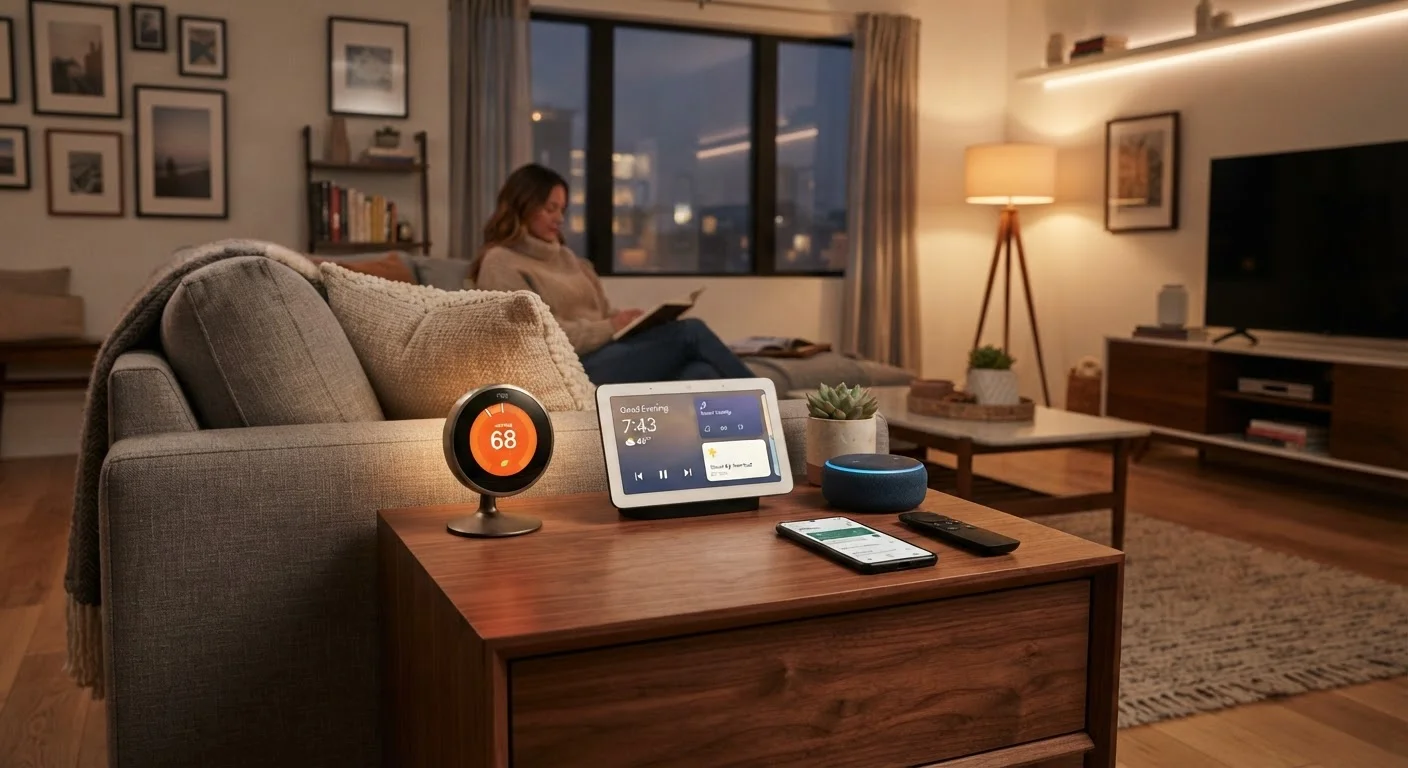
Photo credit: TurboBlogs.net | Explore Blogs At Turbo Speed
In this article
Firmware updates, network hygiene, and device audits are easy to ignore—until something breaks. Here are the habits that keep smart homes reliable.
Key Takeaways
- Firmware updates fix security gaps and improve performance — enable automatic updates wherever possible.
- A quarterly device audit helps you identify forgotten or unused connected devices on your network.
- Separating smart devices onto a guest or IoT network reduces your home's overall security exposure.
- Rebooting your router and hub on a regular schedule prevents many common connectivity issues.
- Documenting your device setup makes troubleshooting and future changes far less frustrating.
Why Smart Home Upkeep Is Easier to Ignore Than It Should Be
A smart home is easier to set up than ever — but most of the guidance stops at installation. Once the lights respond to voice commands and the thermostat learns your schedule, it's tempting to assume things will just keep working. They usually do, until they don't.
Connected devices accumulate quietly: a smart plug here, a video doorbell there, a handful of bulbs in the bedroom. Without deliberate habits, your network fills up with devices running outdated firmware, forgotten credentials, and permissions you never meant to grant long-term. The good news is that maintaining a connected home doesn't require technical expertise — just a few consistent practices.
Think of it the same way you think about general home upkeep: small, regular attention prevents the expensive, frustrating breakdowns.
Core Practices That Keep a Connected Home Reliable
These habits address the most common failure points in smart home setups — security vulnerabilities, network congestion, and device drift that accumulates over months of hands-off operation.
Enable automatic firmware updates on every device that supports them.
Firmware updates patch security vulnerabilities, fix bugs, and sometimes add stability improvements. Devices running outdated firmware are among the most common entry points for unauthorized network access. Waiting to update manually means gaps sit open far longer than necessary.
Conduct a device audit every three to four months.
Smart home setups grow organically, and it's easy to lose track of what's actually on your network. Forgotten devices — an old smart plug, a replaced camera — continue running, consuming bandwidth, and potentially exposing your network if their software goes unmaintained.
Segment smart devices onto a dedicated IoT or guest network.
Most modern routers allow you to create a separate Wi-Fi network with limited access to your primary devices. Keeping smart home gadgets isolated means that if one device is compromised, it can't easily reach your laptops, phones, or sensitive files.
Reboot your router and smart home hub on a regular schedule.
Routers and hubs accumulate memory overhead and stale connections over time, which can cause devices to respond sluggishly or drop off the network entirely. A weekly or biweekly reboot clears this without any data loss.
Document your device setup, credentials, and automation rules.
When something breaks — or when you need to replace a router, switch apps, or help a family member troubleshoot — having a written record of your setup dramatically reduces the time and frustration involved. This is especially useful if your home has many interconnected devices.
Review app permissions for smart home applications periodically.
Smart home apps frequently request access to location, microphone, contacts, or camera data. Permissions granted during initial setup may no longer be necessary — and some apps accumulate access beyond what their core function requires.
Quick Actions You Can Take Today
You don't need a weekend project to meaningfully improve your smart home's reliability and security. Start with the steps below, each of which takes under ten minutes.
For a more comprehensive review of your connected home's security posture, the Smart Home Security Checklist walks through router passwords, app permissions, and other commonly overlooked gaps.
When Things Still Go Wrong
Even well-maintained smart homes run into problems. Devices occasionally lose their connection, automations stop triggering, or an update introduces unexpected behavior. These issues are normal and usually fixable without professional help.
When an Update Causes Problems
Occasionally, a firmware update introduces new bugs rather than fixing them. If a device starts behaving unexpectedly right after an update, check the manufacturer's support forums — other users likely reported the same issue and a fix or rollback procedure may already be documented. Most manufacturers release a follow-up patch quickly when a problematic update ships widely.
If you're regularly dealing with dropped connections or unresponsive devices, our guide on why smart home devices stop working covers the most common causes and how to resolve them. And if you're managing devices in an older home with wiring quirks or Wi-Fi dead zones, it's worth reviewing what to plan before installing smart home devices in an older house before expanding your setup.
The broader goal of digital privacy and safety applies directly to connected home devices — each gadget on your network is a potential entry point, so treating smart home upkeep as part of your overall security routine is well worth the effort.

Author
Tech & Electronics Editorial Team
Tech & Electronics Editorial Team is the collective byline for our editorial team and contributor network. Articles published under this byline or an editorial pen name are researched, written, and reviewed according to our editorial standards for clarity, consistency, and independence before publication.
View all articles →