
Your Smartphone Battery Is Degrading — Here's How to Slow It Down
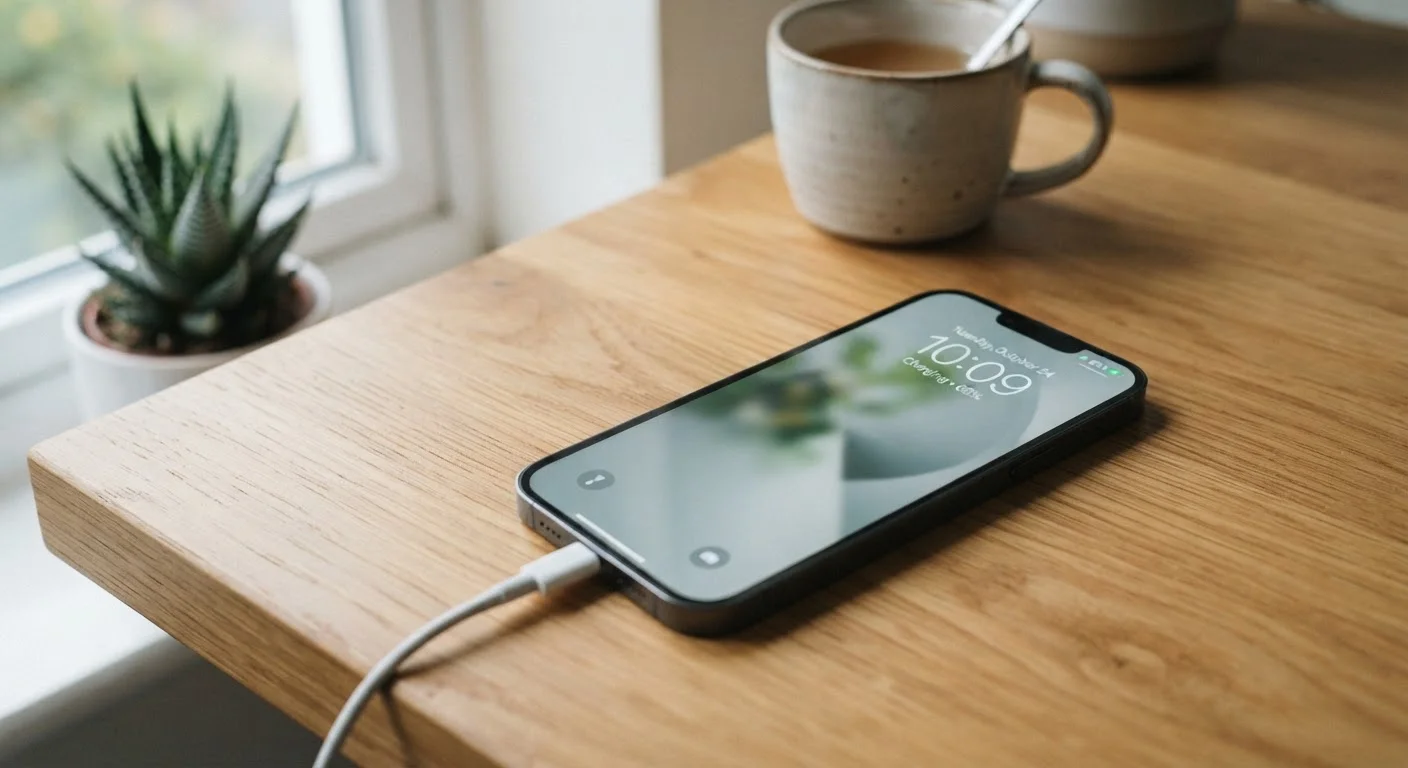
Photo credit: TurboBlogs.net | Explore Blogs At Turbo Speed
In this article
Lithium-ion batteries lose capacity over time, but your habits play a big role. Learn the charging and usage patterns that actually preserve battery health.
Key Takeaways
- Lithium-ion batteries degrade with every charge cycle, but the rate of degradation depends heavily on your habits.
- Keeping your battery between 20% and 80% charge significantly extends its usable lifespan.
- Heat is the single biggest enemy of battery health — avoid leaving phones in hot cars or in direct sunlight.
- Overnight charging and frequent fast charging both accelerate long-term capacity loss.
- Most modern smartphones include battery health tools in settings — check yours and act on what you find.
Why Every Battery Is Already Counting Down
Lithium-ion batteries — the type in virtually every modern smartphone — don't last forever. Each complete charge cycle (from 0% to 100%) causes microscopic chemical changes inside the battery that reduce how much charge it can hold. Manufacturers typically rate their batteries for 300 to 500 full cycles before capacity drops noticeably, often to around 80% of original. For a user who charges daily, that's roughly one to two years before the decline becomes obvious.
What most people don't realize is that partial cycles also count. Charging from 50% to 100% every day accumulates wear just as real cycles do — it just takes longer. The good news: the chemistry that causes degradation is sensitive to the conditions you expose it to, which means your habits genuinely matter.
“The two biggest killers of lithium-ion battery longevity are heat and high state of charge. Keep your battery cool and avoid sitting at 100% for extended periods, and you'll add meaningful life to the pack.”
— Battery Technology Research Community, Consensus position from electrochemical research on lithium-ion cell aging
The Charging Habits That Actually Make a Difference
The most impactful change most people can make is avoiding the extremes of the charge range. Lithium-ion cells experience the greatest electrochemical stress when held at very high voltage (near 100%) or very low voltage (near 0%). Keeping your phone between roughly 20% and 80% reduces that stress significantly.
Charge your phone before it drops below 20% rather than running it to zero.
Deeply discharging a lithium-ion battery puts it under high electrochemical stress, accelerating the degradation of the electrode materials. Keeping charge above 20% prevents the battery from spending time in a low-voltage state that promotes irreversible chemical reactions.
Avoid routinely charging your phone to 100% — aim for 80% as a daily ceiling.
A fully charged lithium-ion battery is under continuous voltage stress, especially when kept at 100% for extended periods such as overnight. Limiting the top-of-charge to around 80% reduces this strain and slows capacity loss over hundreds of cycles.
Reserve fast charging for when you genuinely need it, not as an everyday default.
Fast charging generates more heat inside the battery than standard charging, and heat is a primary driver of lithium-ion degradation. Using a slower charger overnight or during low-urgency situations reduces thermal stress across thousands of charging sessions.
Keep your phone out of hot environments, especially parked cars in warm weather.
Elevated ambient temperatures accelerate the chemical reactions that permanently reduce battery capacity. A phone left in a sun-exposed car on a warm day can reach temperatures that cause more damage in an hour than weeks of normal use.
Turn off background app refresh and location services for apps that don't need them.
Unnecessary background activity keeps the processor and radio chips active, draining the battery faster and increasing the number of charge cycles your battery goes through each week. Fewer unnecessary cycles means slower long-term degradation.
For a deeper look at how wattage numbers on fast chargers affect long-term battery chemistry, see our guide to fast charging and battery health.
Heat, Storage, and the Factors People Overlook
Temperature is the variable that most dramatically accelerates capacity loss, and it's one that many users never consciously manage. Lithium-ion batteries degrade faster at elevated temperatures — consistently storing or using a phone above roughly 95°F (35°C) can cause more wear in a month than a year of normal use.
~35°C
Temperature threshold for accelerated battery degradation
Apple's published battery care guidance notes that prolonged exposure above approximately 35°C (95°F) can permanently damage battery capacity.
20%
Typical capacity lost after 500 full charge cycles
Battery manufacturers commonly rate lithium-ion cells to retain around 80% of original capacity after 300–500 full charge cycles under standard conditions.
Common heat traps include leaving a phone on a car dashboard in summer, placing it on a wireless charger inside a protective case that traps heat, or running processor-intensive apps while charging. Removing your case during extended charging sessions can help dissipate heat, particularly with thicker or insulating cases.
Storage matters too. If you're setting a device aside for weeks or months, storing it at around 50% charge in a cool, dry location reduces degradation significantly compared to leaving it fully charged or fully drained. Our article on gadget storage habits that shorten device lifespans covers this in more detail.
Cool It Down Before You Charge
If your phone feels warm after a long call, a gaming session, or time in a hot environment, let it cool to room temperature for a few minutes before plugging in. Charging a already-warm battery compounds heat stress and speeds up wear faster than either factor alone would.
Using Your Phone's Built-In Battery Health Tools
Most current smartphones include native tools to monitor and protect battery health. On many devices, the settings menu includes a battery health percentage — a direct reading of how much capacity remains relative to when the phone was new. Some platforms also offer charge limit features that stop charging at 80% automatically, doing the work for you.
If you're also managing the longevity of other connected devices in your home, the same discipline applies across your tech ecosystem. Our guide to keeping a connected home running smoothly covers firmware and device-care habits worth building into your routine.
And if battery health has already declined to the point where you're considering a new device, see our walkthrough on setting up a new smartphone without losing your old data before you make the switch.

Author
Tech & Electronics Editorial Team
Tech & Electronics Editorial Team is the collective byline for our editorial team and contributor network. Articles published under this byline or an editorial pen name are researched, written, and reviewed according to our editorial standards for clarity, consistency, and independence before publication.
View all articles →