
What Is a Smart Home, Really?
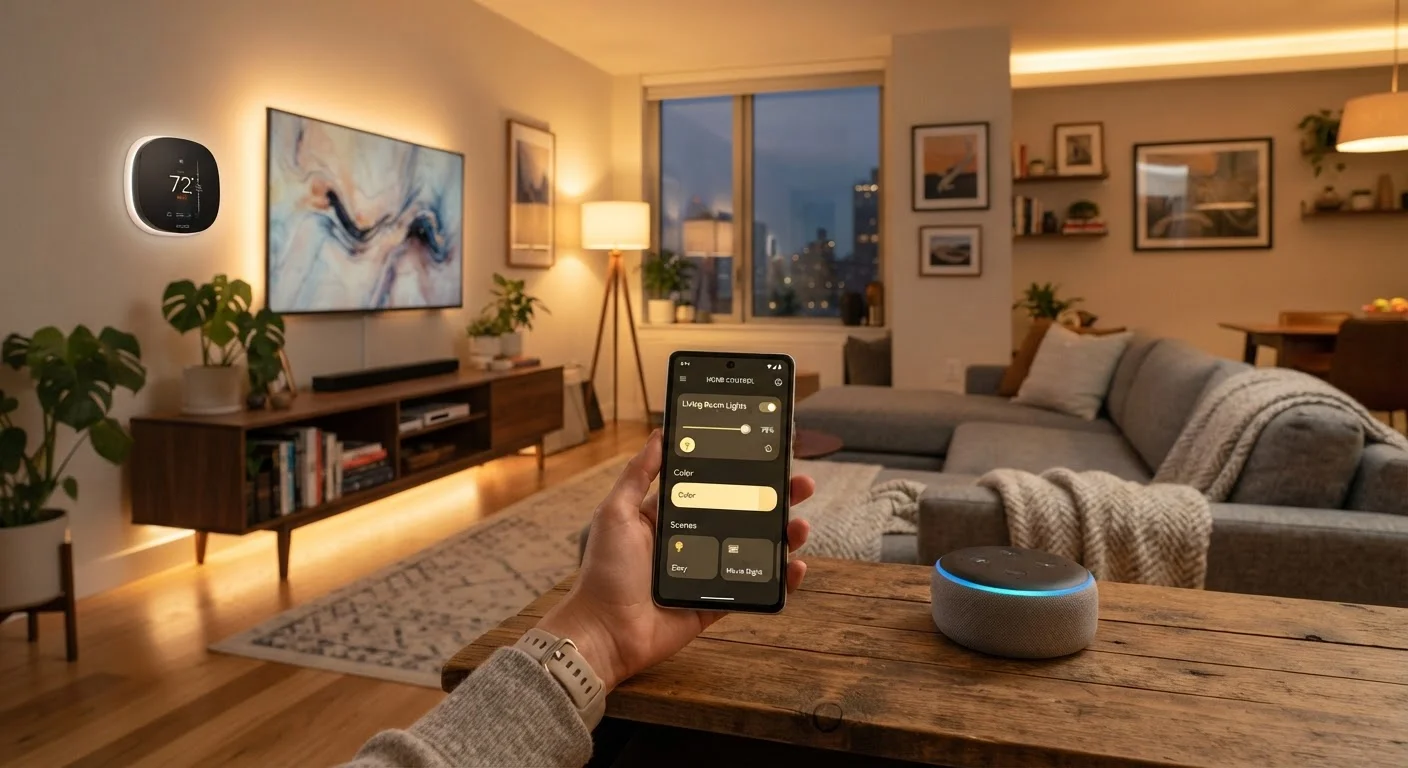
Photo credit: TurboBlogs.net | Explore Blogs At Turbo Speed
In this article
Cut through the hype and understand what smart home technology actually means, how devices connect, and what you need to get started.
Key Takeaways
- A smart home uses internet-connected devices that can be controlled remotely or automated.
- You don't need a whole-home overhaul — a single smart bulb or plug counts as a start.
- Devices connect through Wi-Fi, dedicated radio protocols, or a hub that bridges them together.
- A shared standard called Matter is making more devices work across different ecosystems.
- Privacy and network security are important considerations before adding connected devices.
What Actually Makes a Home "Smart"
Strip away the marketing language and a smart home comes down to one idea: ordinary household devices that can send and receive data. A standard light switch has two states — on and off. A smart switch has those same states, but can also report its current status, accept commands from an app or voice assistant, and trigger actions based on time, location, or what other devices are doing.
That connectivity is what separates a smart device from a conventional one. It doesn't require a futuristic renovation. A single smart plug that lets you schedule when a lamp turns on technically makes that corner of your home "smart." The scale is up to you.
Common myths about smart home technology often suggest you need a dedicated tech room or a six-figure renovation budget — neither is true. The concept scales from one device to dozens, depending on your goals and comfort level.
~175 million
Smart home devices installed in U.S. homes
Industry research estimates there are roughly 175 million smart home devices active across U.S. households, reflecting broad mainstream adoption.
69%
U.S. adults who own at least one smart home device
According to Statista consumer surveys, roughly 69% of American adults report owning at least one connected home device.
Matter
New cross-platform standard adopted by major manufacturers
Launched in late 2022, Matter is now supported by Amazon, Apple, Google, and Samsung, aiming to eliminate compatibility barriers between ecosystems.
How Smart Devices Connect
Understanding how your devices talk to each other saves a lot of frustration. There are three main communication paths:
- Wi-Fi: The most common. Devices connect directly to your home router just like a laptop or phone. Easy to set up, but large numbers of Wi-Fi devices can strain an older router.
- Dedicated radio protocols (Zigbee, Z-Wave): These use separate radio frequencies that are more efficient for smart home use. They typically require a hub or bridge to relay commands between the devices and your app or voice assistant.
- Matter (Thread and Wi-Fi): A newer, manufacturer-backed standard designed to unify compatibility across platforms. A Matter-certified device is designed to work with Amazon Alexa, Apple HomeKit, Google Home, and Samsung SmartThings — reducing ecosystem lock-in.
Your choice of protocol affects range, reliability, and how many devices you can add without performance issues. If you're just starting out, Wi-Fi devices are the simplest entry point. Where to begin without feeling overwhelmed walks through practical first steps.
Start With One Room, One Problem
Rather than planning a whole-home overhaul, identify one specific inconvenience — a lamp that's always left on, a thermostat you constantly adjust, a doorbell you can't hear from the backyard — and solve just that. A focused first device teaches you how smart home setup works in practice before you invest further.
Ecosystems, Voice Assistants, and Control
Most smart home setups revolve around an ecosystem — a platform that acts as the organizing layer for your devices. Amazon Alexa, Google Home, and Apple HomeKit are the three dominant options in the U.S. Each lets you control compatible devices by voice, set schedules, and build automations (for example: "When I leave home, turn off all the lights and lock the front door").
You aren't locked into just one ecosystem forever, but mixing them without Matter-compatible devices can create friction. It's worth deciding on a primary platform early and building around it, then expanding to Matter-certified devices that can bridge ecosystems later.
Voice assistants add convenience but aren't required. Many people control their smart home entirely through smartphone apps and scheduled routines without ever saying a word aloud.
Automations Are Where the Value Shows
Simply being able to turn a light on from your phone is useful, but the real payoff of a smart home comes from automations — rules that run without you initiating them. Lights that dim at sunset, a thermostat that drops when everyone leaves, a lock that engages after 10 p.m. These hands-free routines are what most smart home owners cite as their biggest quality-of-life improvement.
For a comprehensive approach to setting up your whole home, the complete guide to planning and building a smart home covers platform selection, network mapping, and security end to end.
Privacy and Security: What You Should Know Before You Start
Connected devices collect data. That's inherent to how they work — a smart thermostat needs to know when you're home; a smart lock needs to log who came and went. Before adding devices, it's worth understanding what data each one collects and where it's stored (locally on the device, or on a manufacturer's cloud server).
Some practical steps that apply regardless of which devices you choose:
- Use a strong, unique password for your home Wi-Fi network and your smart home app accounts.
- Enable two-factor authentication on any platform account that supports it.
- Keep device firmware updated — manufacturers regularly issue patches for known vulnerabilities.
- Consider placing smart devices on a separate guest or IoT network if your router supports it, so they're isolated from your main computers and phones.
Older homes add an additional layer of complexity — from wiring quirks to Wi-Fi dead zones that affect device reliability. The article things to plan before installing smart home devices in an older house is a useful read before you begin. For broader digital safety habits, the Digital Privacy & Safety hub is a reliable starting point.
Frequently Asked Questions

Author
Tech & Electronics Editorial Team
Tech & Electronics Editorial Team is the collective byline for our editorial team and contributor network. Articles published under this byline or an editorial pen name are researched, written, and reviewed according to our editorial standards for clarity, consistency, and independence before publication.
View all articles →