
Common Myths About Smart Home Technology
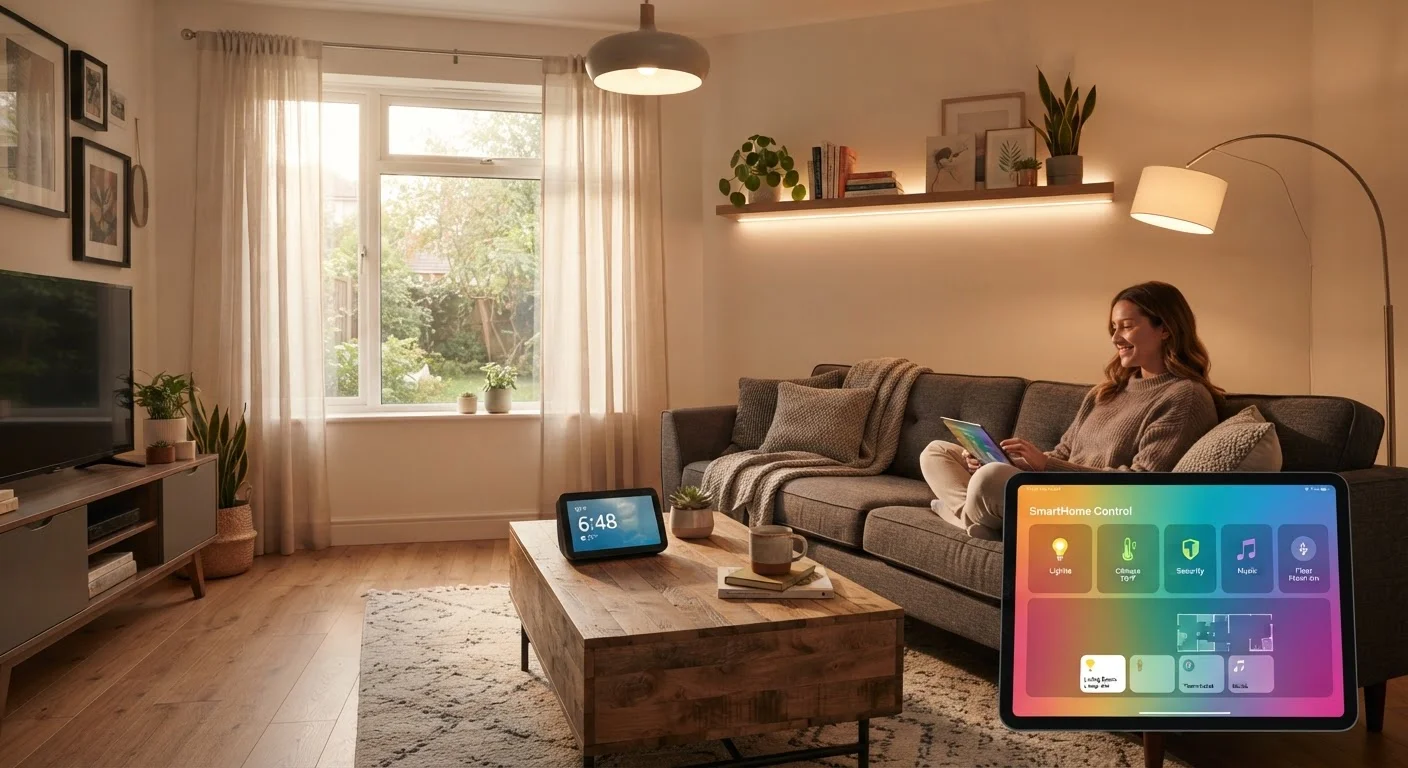
Photo credit: TurboBlogs.net | Explore Blogs At Turbo Speed
In this article
Think smart home setups are only for tech experts or that they always listen? We separate common misconceptions from the facts.
Key Takeaways
- Smart home devices are designed for everyday users, not just tech experts.
- Voice assistants only record audio after detecting a specific wake word, not continuously.
- Many smart home devices work without a subscription — basic functions are typically free.
- A solid Wi-Fi network is usually sufficient; dedicated hubs are optional for many setups.
- Smart home tech can improve security when configured correctly, not just create vulnerabilities.
Why Smart Home Myths Persist
Smart home technology has gone from novelty to mainstream in a remarkably short time, yet many people still hold back because of misconceptions they've picked up from news coverage, social media, or word of mouth. These myths range from overblown privacy fears to unfounded assumptions about cost and complexity.
Understanding what's actually true — and what isn't — can make the difference between confidently automating your home and leaving genuinely useful technology on the table. For a grounded starting point, see our overview of what smart home technology actually means before diving into the myths below.
Myth
You need to be technically savvy to set up and use smart home devices.
Fact
Most modern smart home devices are designed for consumer self-installation and walk users through setup with step-by-step app guides.
Manufacturers have invested heavily in making onboarding accessible. The majority of popular smart devices — bulbs, plugs, thermostats, doorbells — use companion apps that guide you through connecting to your existing Wi-Fi network in minutes. You don't need to know anything about networking protocols or programming. If you can install an app and follow on-screen prompts, you can set up most smart home gear. That said, more complex installations involving wiring (such as in-wall switches) may warrant consulting a licensed electrician, particularly in older homes.
Myth
Smart speakers and voice assistants are always listening and recording everything you say.
Fact
Voice assistant devices are designed to record audio only after detecting a specific wake word; continuous audio is not sent to the cloud.
Devices like voice-activated speakers use an on-device chip to monitor solely for their designated wake word (such as "Hey [assistant name]"). Only after that trigger is detected does audio processing — and any cloud transmission — begin. Independent security researchers have confirmed this basic architecture, though occasional false activations can occur when background audio resembles the wake word. You can review and delete your voice history through the device's companion app, and most devices include a physical mute button that disables the microphone entirely. For more context, see how this fits into broader digital privacy realities.
Myth
Smart home devices require expensive monthly subscriptions to work.
Fact
Core functionality for the majority of smart home devices works without any subscription; fees are typically only for premium cloud features like extended video history.
Most smart bulbs, plugs, thermostats, and switches operate fully on a free basis — you control them through a free app with no ongoing cost. Subscriptions, where they exist, generally unlock extras: extended cloud storage for camera footage, advanced AI features, or professional monitoring for security systems. Before assuming a device requires a fee, check what the free tier includes. Many households find they never need to pay beyond the hardware cost.
Myth
Smart home devices make your home less secure by giving hackers more entry points.
Fact
Smart devices can improve home security when properly configured; most documented risks come from weak passwords and outdated firmware, not the devices themselves.
The risk vector is real but manageable. Most documented smart home compromises trace back to default or reused passwords, routers running outdated firmware, or devices on open guest networks without isolation. Addressing these basics — unique strong passwords, regular firmware updates, a separate IoT network — substantially reduces exposure. Properly configured smart locks, cameras, and sensors can actively improve physical security. Run through a structured security checklist to make sure your setup follows sound practices. And maintaining your network hygiene over time is just as important as the initial setup.
Myth
You need a dedicated smart home hub for everything to work together.
Fact
Many modern smart devices connect directly to your Wi-Fi router and work through smartphone apps or voice assistants without requiring a separate hub.
Hubs were once essential because early devices used radio protocols (Zigbee, Z-Wave) that couldn't connect directly to Wi-Fi. Today, a large proportion of consumer devices connect via Wi-Fi or Bluetooth and are controlled entirely through apps or built-in voice assistant platforms. The emerging Matter standard is further simplifying cross-brand compatibility. Hubs remain useful for building larger, more complex systems or for devices using non-Wi-Fi protocols, but they're not a prerequisite for getting started. Understanding how these ecosystems work helps you decide what, if anything, your setup actually needs.
Privacy and Security: Separating Fear from Fact
Privacy concerns are among the most persistent barriers to smart home adoption. Some of that caution is warranted — connected devices do collect data — but the specifics matter enormously. Vague fears often lead people to avoid useful technology entirely, while missing the concrete steps that actually reduce risk.
For a detailed look at what data smart devices typically gather and how to manage it, read our guide on smart home data collection. And if you want to audit what you already have set up, run through our smart home security checklist to close common gaps.
Default Passwords Are a Genuine Risk
Many smart home security problems stem from one avoidable mistake: leaving devices on their factory-default passwords. Change passwords immediately during setup, use a unique password for each device, and ensure your home router firmware is up to date. These steps address the vast majority of realistic threats to a connected home.
For a broader look at how digital privacy myths can create a false sense of either danger or safety, see our article on digital privacy misconceptions.
Getting Started Without Getting Overwhelmed
One underappreciated truth about smart home tech is that you don't have to do it all at once. Starting with a single device — a smart plug, a bulb, or a speaker — lets you learn the ecosystem at your own pace. Smart plugs are one of the easiest entry points and require no wiring knowledge whatsoever.
As your setup grows, understanding how devices communicate with each other becomes more relevant. Learn how protocols like Matter, Zigbee, and Z-Wave affect compatibility so you can make informed choices. And when things inevitably hiccup, our troubleshooting guide covers the most common smart home problems without requiring an IT degree to follow.
~35%
U.S. households with at least one smart home device
Industry research consistently estimates roughly a third of American households owned at least one connected home device as of recent survey periods.
~2 min
Typical setup time for a basic smart plug or bulb
Device manufacturers report that most Wi-Fi-enabled smart plugs and bulbs can be connected and operational in under two minutes using a companion app.

Author
Tech & Electronics Editorial Team
Tech & Electronics Editorial Team is the collective byline for our editorial team and contributor network. Articles published under this byline or an editorial pen name are researched, written, and reviewed according to our editorial standards for clarity, consistency, and independence before publication.
View all articles →